Introduction
A polished demo can make almost any software look like the answer. Slick dashboards, a confident sales rep, a feature list longer than your requirements doc — it's easy to mistake a good pitch for a good fit.
Feature count is the wrong test. The software has to solve your actual workflow problem: the one buried in spreadsheets, duplicate data entry, and manual handoffs between systems.
According to Capterra's 2024 U.S. research, 58% of software buyers regretted a purchase made in the previous 12 to 18 months, across businesses of every size, not just startups.
A structured software evaluation checklist fixes this by forcing a comparison against business outcomes, not vendor claims. This article covers what that checklist should include: defining the problem, involving the right people, testing real workflows, comparing buy-build-renew options, and confirming you're ready to implement before you sign anything.
Key Takeaways
- Score software against documented workflow problems, not the vendor's feature count
- Involve end users, operations, IT/security, finance, and one final decision-maker
- Calculate total cost of ownership — implementation, integrations, training, support, renewals, exit costs
- Test vendor claims with real workflows and real data before signing
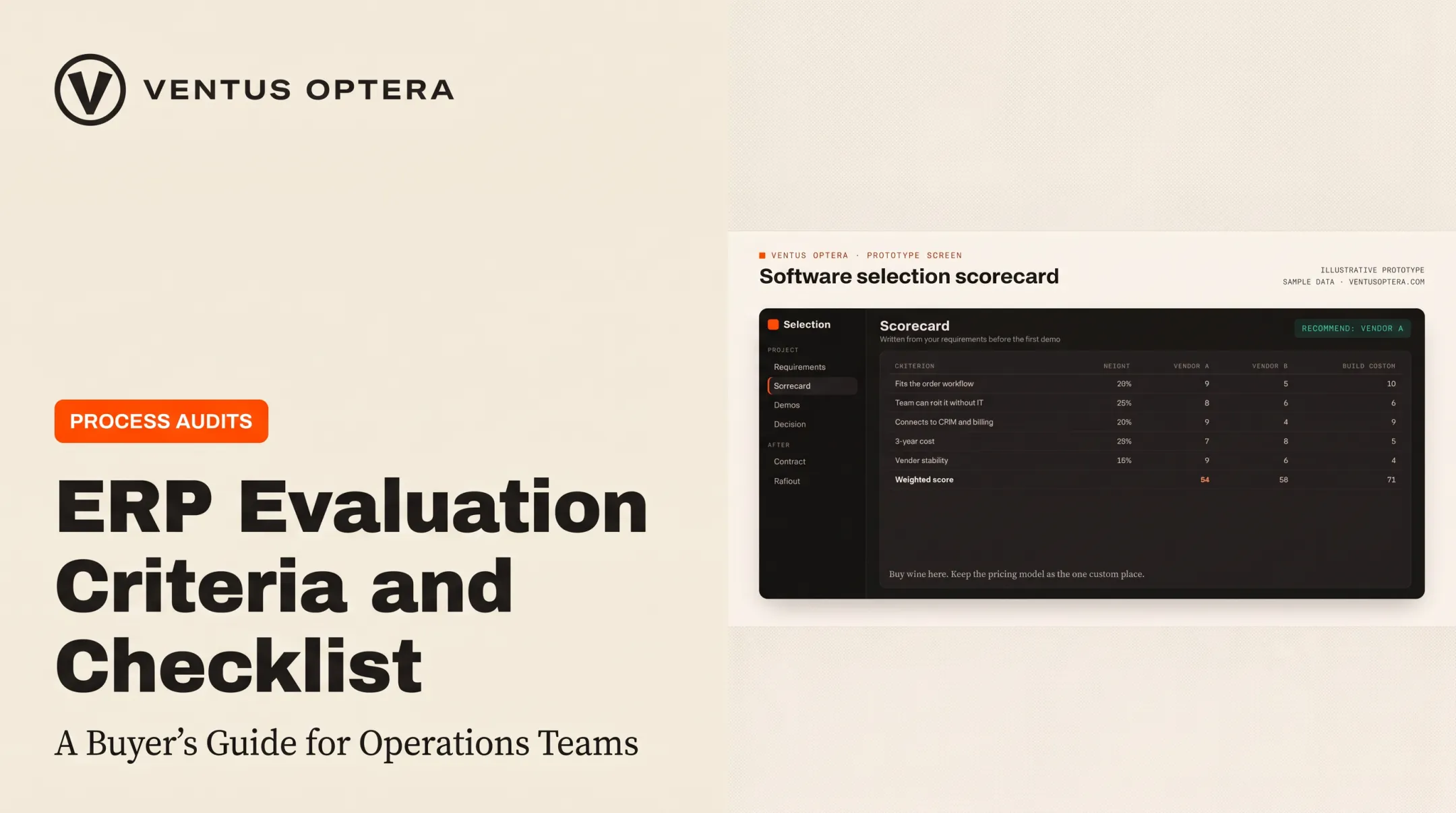
- Weigh buying, renewing, configuring, and building to find which option actually lasts
What Is Software Evaluation?
Software evaluation is the structured process of determining whether a product, a renewal, a custom build, or a replacement actually fits your organization's goals, workflows, technical environment, budget, and risk tolerance.
It's distinct from implementation. Evaluation happens before you commit. Implementation is what turns the selected tool into the system your team runs on every day.
Core stages of a software evaluation
A useful evaluation moves through a consistent sequence:
- Define the problem — document spreadsheet dependencies, duplicate data entry, manual handoffs, disconnected systems, and reporting gaps
- Translate the problem into requirements — must-haves, preferred capabilities, measurable outcomes, and non-negotiable constraints
- Build a shortlist — compare options using consistent criteria
- Test with evidence — record assumptions, risks, unanswered questions, and required workarounds
- Review the financials and decide — weigh total cost against expected outcomes
- Plan implementation — map owners, timeline, and training before anyone signs

In practice, those steps often group into four phases: needs analysis and RFI/RFP, vendor-agnostic evaluation, procurement and negotiation, and implementation and training. Write the scorecard from requirements before anyone sits through a demo.
Benefits of using a checklist
A checklist isn't busywork. It:
- Creates a shared decision record that survives staff turnover
- Reduces bias from a persuasive demo or familiar brand name
- Exposes hidden implementation work before it becomes a surprise
- Makes stakeholder approval faster because criteria are already agreed on
Those benefits show up in results too: stronger adoption, fewer disconnected tools, clearer ownership of data, and better visibility into what software actually costs over time.
A documented decision record (requirements, evaluated options, rationale, negotiated cost) also answers the question someone will ask in two years: why did we pick this?
What to Consider When Evaluating Software
A checklist works only if it connects technical specifications to business outcomes. Not every feature matters equally. Weight criteria according to what your organization actually needs. Rapid deployment might outrank breadth of features for one company, while long-term ownership or security dominates for another.
Business fit and functional coverage
Confirm the product addresses a documented business problem and supports your highest-priority use cases without forcing workarounds or parallel spreadsheets.
- Separate must-have requirements from nice-to-haves
- Ask each vendor to label every capability as out of the box, configurable, custom, or unavailable
- Require a demo built on your own workflows and sample data, not a scripted presentation
Capterra's analysis of roughly 1,500 SMB CRM-buyer interactions found that about 14% of buyers were still running the process manually through spreadsheets and email, and 33% cited limited functionality as a reason for shopping around. (Capterra, 2026) If your current setup shows up on either list, that's a signal worth taking seriously.

One systems review for a Boston nonprofit sailing school worked through this exact exercise across 16 different platforms, sorting each into keep, merge, or replace. The exercise mattered more than the final product list — it made the tradeoffs visible before anyone committed to anything new.
Technical fit, integrations, and data ownership
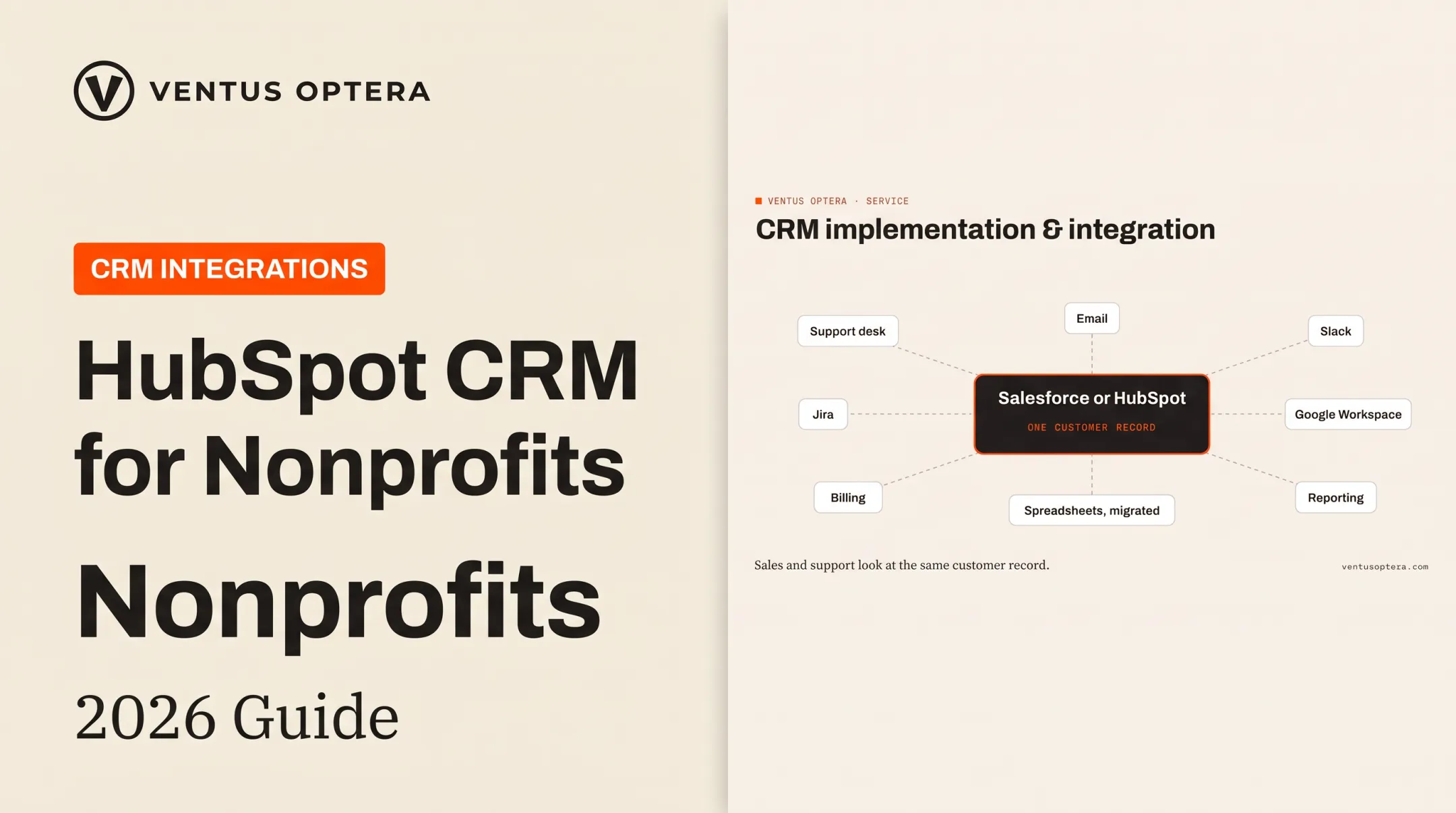
Check compatibility with the systems you already run: CRM, accounting, support, advertising, identity, reporting, document platforms. Find out whether integrations use supported APIs and built-in connectors, or whether "integration" really means manual CSV exports.
Verify:
- Data migration and data quality procedures
- Access controls, audit history, and documentation
- Backup, export, and deletion procedures
One support-center integration spanning Salesforce, Jira, Docebo, and Paligo gave three different audiences — customers, partners, and internal staff — a single front door, with access governed by clearance levels and export rules. That kind of setup only works when ownership of data and configuration is clear from day one.
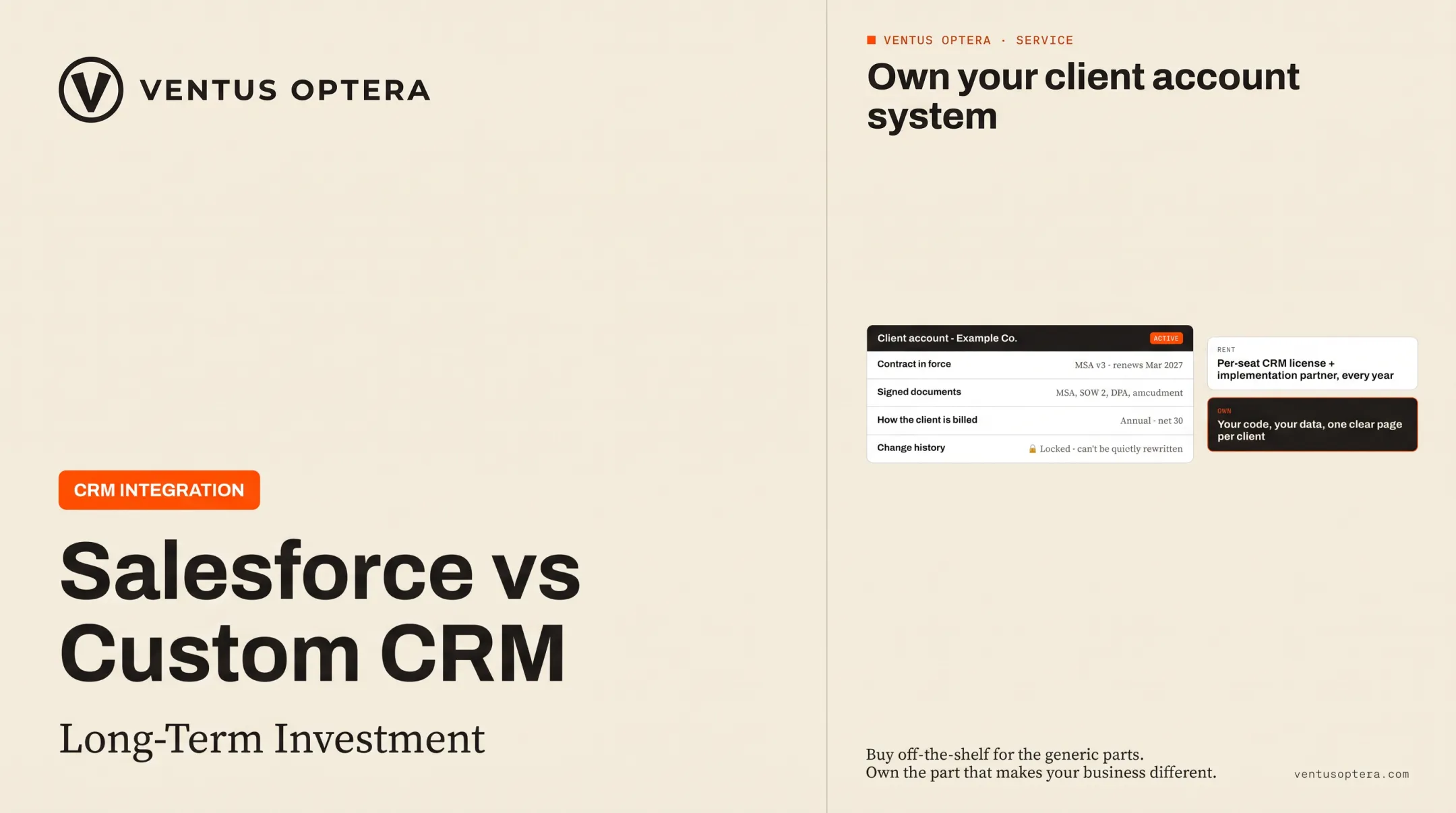
Ask who owns the data, the configuration, any custom code, and the workflows built inside the tool. Then ask how you'd get your information back if you switched vendors tomorrow.
Security, privacy, reliability, and scalability
Request documentation appropriate to your data and industry:
- Security certifications and data-processing terms (SOC 2 reports are common)
- Access-control details and incident-response procedures
- Backup practices and compliance evidence relevant to your industry, such as HIPAA if you handle health data or CCPA if you meet California's revenue threshold
Test performance using your own numbers: user volumes, data volumes, integrations, peak periods, reporting needs. Ask for service-level commitments in writing, not a verbal promise about uptime.
Look ahead two years. Will this tool support the users, customers, transactions, and locations you expect without a disproportionate cost jump or a rebuild? Pricing that scales cleanly at launch sometimes cracks badly at the next growth threshold.
Total cost of ownership and commercial terms
The subscription price is the smallest number in this decision. Calculate:
- Implementation and data migration
- Integrations and customization
- Training and internal staff time
- Support tiers and upgrades
- Renewal increases and exit or replacement costs
Compare pricing models too: user-based, usage-based, module-based, minimum-commitment, and annual versus multi-year. A contract priced for the seats your team actually uses beats a top-tier plan bought for one feature nobody else touches.
Tie the investment to a business case built on realistic numbers: time saved, risk reduced, revenue enabled, manual work avoided. Label every assumption, and skip the vendor's ROI slide if it can't show its math.
Vendor quality and implementation readiness
Look at the vendor's roadmap, support model, documentation, and history serving organizations with workflows like yours. Ask for references, not just case studies pulled from the website.
Your internal readiness matters just as much. Implementation disruption is common. In Capterra's multinational survey, 66% of resource-constrained SMBs reported an unexpected disruption during rollout, most often tied to integrations, data migration, or delays. (Capterra, 2025) That's not a reason to avoid new software. It's a reason to confirm readiness first.
Before signing, confirm:
- Who owns decision rights and data stewardship internally
- Whether staff have time budgeted for the transition
- Acceptance criteria and a pilot or proof-of-concept step
- Training needs, launch ownership, and post-launch review points
How Ventus Optera Can Help
Ventus Optera is an operations and product firm in Boston that helps small and mid-size businesses answer one specific question: should you buy, renew, integrate, or build?
Rather than evaluating technology in isolation, Ventus Optera combines workflow assessment, operations improvement, custom software development, CRM integrations, dashboards, and AI-enabled automation. An engagement typically starts by mapping current processes and ranking the highest-value fixes. Those options are then compared against the cheapest solution likely to last: sometimes a platform purchase, sometimes a custom build.

One cybersecurity CEO was pricing a CRM license plus an implementation partner. After comparing the real cost against a tailored alternative, Ventus Optera built a custom CRM and contract-management system instead of renting another seat license.
What makes the process different:
- Builds around how the business actually works, not a generic template
- Founder Michael O'Brien personally writes the software for every client engagement
- Clients own everything delivered, including code, configuration, and data, and can hand it to any developer they hire later
When a generic tool or spreadsheet can't carry a workflow anymore, Ventus Optera designs the fit instead of forcing a near-match platform. That can mean targeted applications, customer portals, APIs, reporting systems, or integrations.
If a major CRM purchase, renewal, custom build, or AI workflow decision brings real operational disruption or long-term vendor dependence, get an independent evaluation first. A second opinion from someone no vendor pays is worth the conversation before anyone signs.
Conclusion
Strong software evaluation weighs business fit, evidence, risk, cost, ownership, and readiness. The longest feature list rarely decides the right tool.
Validate the decision with real workflows, representative users, documented commercial terms, technical testing, and an implementation plan — before anyone signs anything.
Software performance deserves another look after launch and at every renewal point. Needs change, teams grow, and what fit eighteen months ago might not fit now. Teams that review their stack regularly can improve, consolidate, replace, or build when the moment calls for it.
Frequently Asked Questions
What are the stages of a software implementation?
Implementation typically follows planning, requirements and solution design, configuration or development, data migration and integrations, testing, training, launch, and post-launch support.
How do you create a software evaluation checklist?
Start with your business goals and documented workflows, then add functional and technical requirements, cost criteria, and risk factors. Assign an owner to each item and define what evidence counts as a pass.
Who should be involved in evaluating software?
End users, the process or department owner, operations, IT or security, finance or procurement, and one accountable decision-maker. Scale involvement to the software's risk and complexity.
What is the difference between software evaluation and software implementation?
Evaluation determines whether and what to adopt. Implementation configures, integrates, tests, launches, and supports whatever you selected.
How should a business compare buying software with building it?
Weigh time to value, workflow fit, total cost of ownership, internal capacity, integration needs, ongoing maintenance, scalability, and data ownership. If no off-the-shelf option fits without heavy compromise, building or customizing becomes more attractive.
What should you test before choosing a software product?
Run realistic use-case demonstrations with your own data, check integrations and permissions, test reporting and performance under real volumes, and review security documentation, support responsiveness, and the exit or export process.