For the vast majority of small and mid-size businesses, custom AI solution development means connecting an existing model, like GPT-4 or Claude, to your actual workflows: your CRM, your contracts, your support inbox, your spreadsheets. The hard part was never the model. It's the plumbing.
Generic AI tools are genuinely useful for isolated tasks. But they don't update your CRM. They can't interpret your internal documents or follow your approval rules. They don't know that your Tuesday invoice process is different from your Friday one.
This guide covers what custom AI solutions actually are, where they create real value, how development works in practice, what drives cost, and how to choose a partner who won't oversell you.
Key Takeaways
- Custom AI solutions fit your existing workflows, data, and systems.
- Most projects connect existing AI models to your business data instead of training models from scratch.
- Integrations, data readiness, and security requirements drive cost more than the AI itself.
- Start with one measurable workflow, prove it works, then expand.
- Clarify data ownership and support responsibilities before any code gets written.
What Are Custom AI Solutions for Businesses?
A custom AI solution is software built to handle a specific business task, or a connected set of tasks, using your company's own processes, data, systems, and decision rules. That's the whole definition. No magic required.
Custom Application vs. Custom Model
These get confused constantly, and the distinction matters for your budget.
A custom AI application typically uses an established model through an API, retrieval-augmented generation (pulling answers from your documents), workflow automation, or light fine-tuning.
A custom AI model, trained from scratch, is a specialized undertaking reserved for narrow technical problems. Almost no small or mid-size business needs one.
Common Solution Types
- Internal knowledge assistants that answer employee questions from approved company documents
- Document and contract workflows that extract data, flag exceptions, and route items for human review
- AI agents that update CRM, support, billing, or project-management systems under defined permissions
- Dashboards that combine data scattered across disconnected systems
- Customer portals and onboarding tools that embed AI directly into your product or service
Custom AI vs. a Generic Chatbot
Here's the real difference: custom systems use your private business context, follow your specific rules, connect to your operational software, and leave an audit trail. A generic chatbot subscription can't do any of that.
That said, generic tools are still the right call when the task is broad, low-risk, and doesn't need deep integration. Don't build what you can rent.
Signs you may need a custom solution:
- Repeated manual data entry across multiple systems
- Heavy spreadsheet dependency that nobody fully trusts
- Disconnected software that requires manual reconciliation
- Recurring document review that eats hours every week
- Slow or inconsistent reporting
- Teams quietly building their own workarounds
Process fit matters more than model choice. McKinsey's 2025 global AI survey found 55% of AI high performers reported fundamentally redesigning their workflows around AI, compared to just 20% of other respondents. That's a strong signal: the workflow redesign is doing more work than the model selection.
Separately, McKinsey's 2024 technical guide found 70% of AI top performers struggled with integrating data into their AI models, citing data quality and governance as the core obstacles. In other words, the AI rarely fails because of the model. It fails because the data or the process wasn't ready.

Practical Business Applications of Custom AI
These examples are organized by workflow, not industry, because the same patterns show up whether you run a law firm, a cybersecurity company, or a three-person startup.
Centralizing Client Accounts and Contracts
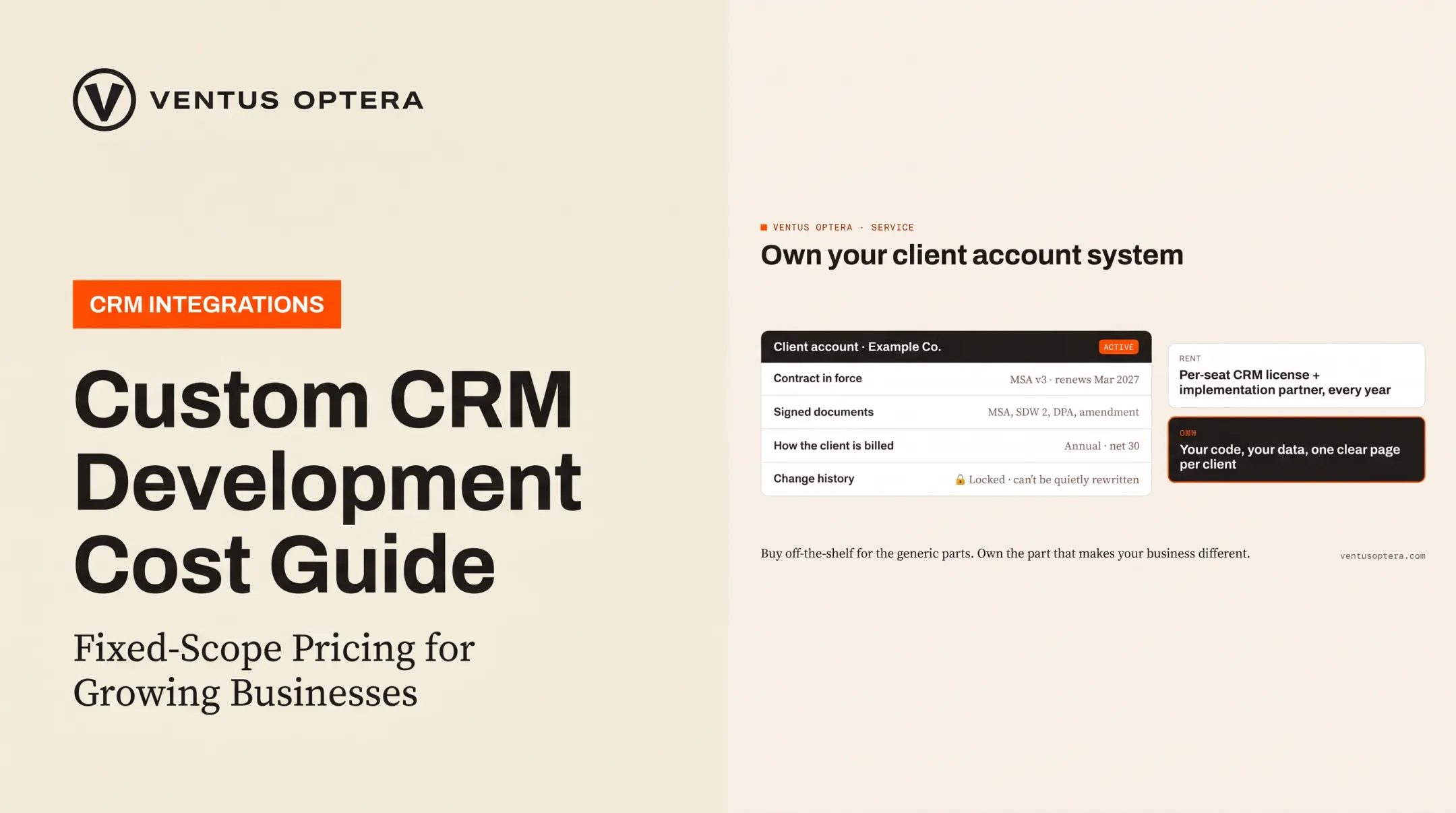
Many businesses run client data across inboxes, shared drives, and three different spreadsheets that slowly drift out of sync. A custom system can centralize client accounts, contracts, documents, billing terms, and change history in one place.
Ventus Optera built exactly this for a cybersecurity firm. The client account and contract system replaced inboxes and shared drives with 31 client accounts and hundreds of contacts on day one. Each change is permanently logged so nothing gets quietly rewritten later, even by an administrator.
Automating Movement Between Systems
Integrations automate the flow of information between your CRM, support platform, email, advertising accounts, accounting tools, and internal databases. Each integration requires permission design, testing, and ongoing maintenance. This isn't a "set it and forget it" layer. Systems change their APIs. Your workflow changes. Someone has to own the upkeep.
Startup and Growth-Stage Use Cases
- Product teams can use AI for prototype feedback, customer research synthesis, and support knowledge management
- Growing companies can automate onboarding, pilot reporting, account updates, and recurring customer communications
- Owners and CEOs can use AI-enabled dashboards to answer operational questions without manually reconciling five systems every Monday morning
Document workflows are another common build as companies grow. Microsoft reports that Ramp, the corporate card company, built a custom receipt-processing tool using Azure AI that saves an estimated 30,000 hours of manual work per month. The system processes 400,000 invoices and 5 million receipts monthly at over 90% OCR accuracy.

That is an enterprise-scale result, not a typical SMB outcome. It still shows what's possible when document extraction is built around the data format a business deals with daily.
Where Humans Should Stay in the Loop
Contracts, financial terms, customer commitments, and compliance-sensitive decisions still need a person reviewing the output. An AI agent flagging a contract exception is useful. An AI agent silently approving a contract exception is a liability waiting to happen.
How Custom AI Solution Development Works
Start With the Workflow, Not the Technology
Before anyone picks a model, map how the work actually happens today:
- Where does information enter the process?
- Which systems does it touch along the way?
- Where do delays happen?
- Who approves the final result?
Then identify the specific outcome to improve: faster response time, fewer manual touches, more complete data, more consistent reporting.
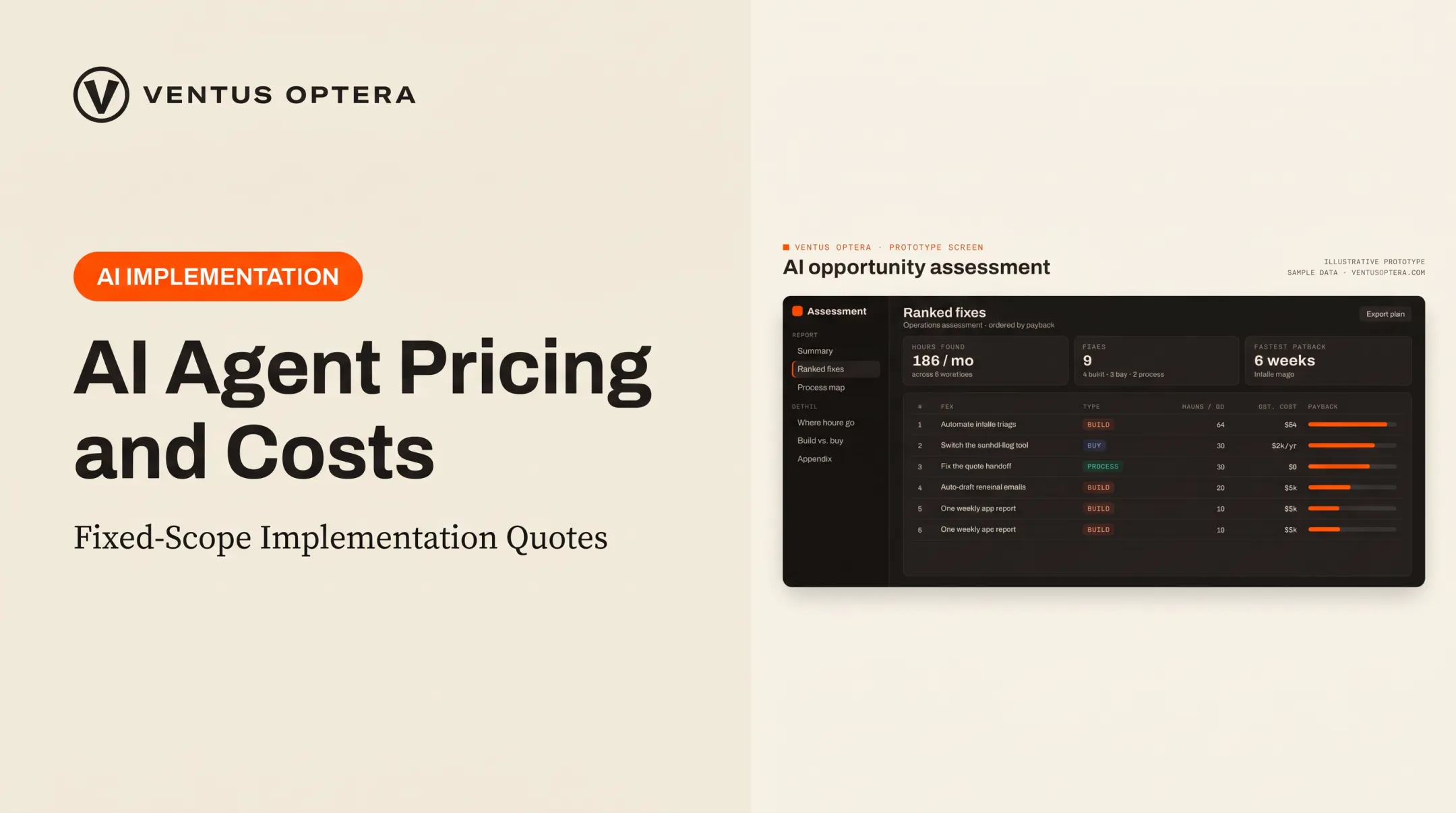
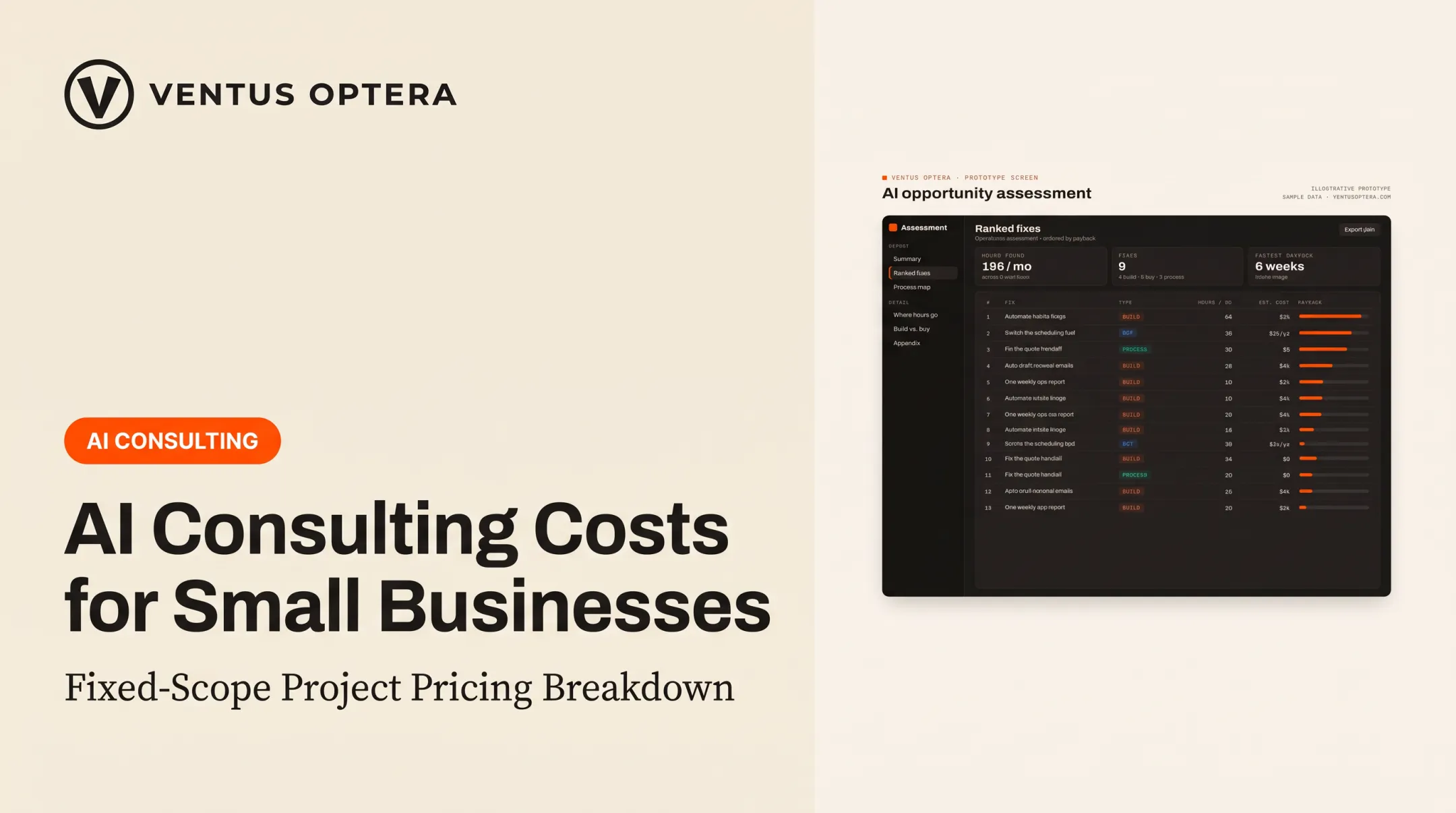
Ventus Optera's AI opportunity assessment does this explicitly. It maps work from quoting and intake through scheduling and support—including the spreadsheet the team still depends on—then recommends whether to build, buy, or simply change a process.
Prioritize, Then Design the Architecture
Score potential use cases on business value, frequency, data availability, integration difficulty, error cost, and how likely employees are to actually adopt it. Then decide what the solution needs:
- An AI assistant
- A retrieval layer pulling from documents
- A classification or extraction model
- An agentic workflow that takes actions
- A dashboard, API, or some combination
Decide early what data it can access, what actions it's allowed to take, and where a human has to approve or override it.
Prototype Before You Build Production
With the architecture scoped, build a narrow prototype on representative data and test it against realistic edge cases—not just a polished demo.
Moving from prototype to production means hardening the system:
- Authentication and permissions
- Logging and error handling
- Monitoring after release
NIST's AI Risk Management Framework names four core functions for this lifecycle: Govern, Map, Measure, and Manage. That includes documented human-oversight processes and testing both before deployment and continuously afterward.
Launch With Training, Not Just a Handoff
A working system still fails if people don't know how to use it. Employees need clear limits on what the AI can and can't do, plus an escalation path when it gets something wrong.
Ventus Optera writes that handoff before launch:
- Unanswered support questions route to a person with the conversation history attached
- Those gaps get logged so documentation covers them next time
Define ownership up front as well: who owns the code, the data, the infrastructure, and future changes after the project wraps.

Cost, Scope, and Build-versus-Buy Decisions
There's no universal price tag here. Scope ranges from a single focused assistant to a multi-system operational platform, and anyone quoting a flat number without knowing your workflow is guessing.
What Actually Drives Cost
| Cost Driver | What It Includes |
|---|---|
| Integrations | APIs, authentication, webhooks, systems with limited connectivity |
| Data condition | Cleaning, structuring, labeling, access controls, historical records |
| AI requirements | Extraction, classification, prediction, retrieval, orchestration |
| Risk and governance | Privacy reviews, audit logs, approval workflows, retention policies |
| Scale and operations | Usage volume, hosting, monitoring, model-provider fees, maintenance |
Gartner points to compliance reviews, model retraining, and internal overhead as the line items that push total cost of ownership above initial estimates. These aren't exotic add-ons. They're standard parts of any production system.
Three Practical Scope Levels
- Focused workflow — one task, limited data sources, a few integrations, clear human review
- Connected automation — several systems, automated actions, exception handling, auditability
- Owned AI platform — multiple workflows, dashboards, APIs, and ongoing product development
Keeping a Project Financially Controlled
- Start with one workflow and one measurable outcome
- Use an existing model or managed service when it meets your accuracy and privacy requirements
- Resolve data and integration risks during discovery, not mid-build
- Set acceptance criteria before development starts
Build vs. Buy
Buy when a proven tool already solves the process, integrations are adequate, and the workflow isn't strategically unique to you.
Build when the workflow is genuinely unique, existing tools can't connect properly, or proprietary data is central to your value.
Hybrid often wins: a commercial platform handles the general capability while custom software handles integration, reporting, or orchestration.
Ventus Optera runs every engagement through Audit, Build, and Automate stages and explicitly recommends buying software when it beats building it. Sometimes the cheapest fix that lasts is a subscription, not a project.
A rough ROI check: take hours currently spent on the manual process, multiply by loaded hourly cost, and add the cost of errors or delays. Compare that figure against implementation cost plus recurring operating cost.

If the math doesn't clear within a reasonable payback window, it's not the right first project.
Security, Ownership, and Ongoing Management
Know Your Data Lifecycle
Every custom AI solution needs clear answers to five questions:
- What data enters the system
- Where it's stored
- Which providers process it
- Who can access it
- How it gets deleted
Map those answers into the build before you ship. Practical safeguards include:
- Role-based access control for sensitive tools and data
- Encryption and environment separation across systems
- Audit logs and secret management for privileged actions
- Approved knowledge sources only
- Human approval before sensitive actions run
OpenAI's API data usage policy states it does not use API business data to train its models by default unless the customer opts in, and that customers retain rights to their inputs. Retention windows (up to 30 days for some endpoints) still matter for your own compliance review.
Accuracy Isn't the Same as Reliability
A response can be factually plausible and still cause damage if it's based on outdated information, skips a permission check, or writes to the wrong system. These are two separate failure modes, and testing for one doesn't catch the other.
Reliability checks cover permissions, data freshness, and write targets, not only whether the answer sounds right.
What Ongoing Management Actually Looks Like
- Monitor output quality, failure types, latency, and user feedback
- Review workflow changes that could cause model drift
- Maintain prompts, retrieval sources, and integration dependencies
- Keep documentation and fallback procedures current
Who Owns the Code and Data
Any project agreement should state plainly that you retain ownership of the software and data built for you, and define third-party model or hosting constraints that still apply. Ventus Optera's clients keep the code and data outright and can hand both to any developer they hire next.
Choosing a Custom AI Development Partner
The partner you choose decides whether custom AI becomes a durable operating asset or an expensive experiment. A few signals separate operators who fix workflows from vendors who sell platforms.
Questions Worth Asking
- How will they map your current workflow before proposing anything?
- What's the concrete delivery plan: discovery, prototype, production, training, handoff?
- Who owns the technical decisions, and what systems will the solution actually touch?
- How are permissions, testing, and human review handled?
- What's included in initial scope versus ongoing support?
- What happens if the first approach doesn't meet the agreed acceptance criteria?
Those answers show how a partner works day to day. McKinsey also names scalability, reusability, and interoperability as practical criteria for evaluating AI providers, along with documentation, transparency, and testing capability.
Look for Restraint, Not a Sales Pitch
The right partner recommends the smallest durable fix, even when that means a lighter commercial tool instead of a custom build. If every conversation ends with a proposal for the biggest possible platform, that's worth noticing.
Ventus Optera, based in Boston and working with small and mid-size businesses across the US, runs engagements this way: an AI opportunity assessment maps the workflow, ranks fixes by ROI and risk, and recommends build, buy, or a process change before any code is written.
Founder Michael O'Brien, who spent a decade in operations at Uber, iAdvize, and Boston Dynamics, writes the software himself, so nothing gets lost between the workflow map and the build.
A practical next step: document one workflow—inputs, outputs, systems, approval points, and success metrics. Bring that to discovery instead of a vague request for "AI."
Frequently Asked Questions
How much does it cost to develop a custom AI solution?
Cost depends on integrations, data readiness, security requirements, error consequences, scale, and ongoing support needs. Define one specific workflow before requesting a project estimate so the scope is grounded in reality.
What are custom AI solutions for businesses?
They're AI-enabled software built around a business's specific data, workflows, systems, and objectives. Examples include document processing, internal knowledge assistants, CRM automation, reporting dashboards, and customer portals.
How long does it take to develop a custom AI solution?
A focused prototype can be delivered in weeks. A production system with multiple integrations takes longer, depending on data access, testing, and deployment. Gartner found the average gap between AI prototype and production is about eight months.
Should a business build a custom AI solution or buy an existing tool?
Buy when a proven tool already handles the workflow well. Build when the workflow is genuinely unique or proprietary data drives the value. A hybrid approach, connecting a commercial tool to custom integration work, often fits best.
Do businesses need to train their own AI model?
Rarely. Most solutions use existing models connected to company data, retrieval systems, business rules, and integrations. Custom training or fine-tuning only makes sense when it solves a demonstrated performance gap that off-the-shelf models can't close.