"AI agent cost" actually covers three separate expenses: buying an existing tool, building or configuring one for your workflow, and running it month after month. Many businesses budget for the first and get blindsided by the third.
This article breaks down pricing categories, the real cost drivers behind them, a practical budgeting method, and the questions worth asking before you sign anything.
Key Takeaways
- Off-the-shelf agents cost less upfront; custom agents cost more once integration, data prep, and testing are included.
- Most price gaps come from workload volume, autonomy, integrations, and oversight needs.
- The cheapest subscription isn't always the cheapest option over a year or two.
- Start with one narrow, measurable workflow before expanding.
How Much Does an AI Agent Cost? (Pricing Overview)
There's no single price tag here, because "AI agent" describes wildly different products. A simple FAQ bot, a workflow automation wired into your CRM, and a multi-step application that plans and executes tasks on its own are three different purchases wearing the same label.
That ambiguity causes real budgeting mistakes:
- Underestimating integration or human-review work that doesn't show up on a pricing page
- Comparing a $40 subscription to a custom build as if they solve the same problem
- Missing overage charges, model fees, or maintenance costs that only appear after launch
Typical Cost Categories
Here's how published pricing actually breaks down across common tools:
| Agent Type | Example Pricing | Billing Unit |
|---|---|---|
| Chatbot builder (Chatbase) | $40–$500/month | Per workspace, message-credit tiers |
| Customer service agent (Intercom Fin) | $29–$132/seat/month, plus $0.99 per resolved outcome | Per seat plus per outcome |
| Support suite with AI add-on (Zendesk) | $19–$115/agent/month | Per agent, with outcome-based AI charges |
| Enterprise platform (Salesforce Agentforce) | Either $2 per conversation or $500 per 100,000 Flex Credits, according to Salesforce's 2025 pricing announcement | Per conversation or credit-based |
| Agent builder (Microsoft Copilot Studio) | $200/month per 25,000 credits | Credit-based, tenant-wide |

Configured or integrated agents sit in a higher tier. These connect to a CRM, helpdesk, email system, or internal database, and typically carry a one-time setup cost plus a recurring platform fee. Vendor pricing pages rarely publish a clean range for this tier because scope varies so much.
Custom AI agents or workflow applications cost the most upfront but fit your actual process instead of forcing you into someone else's workflow. Clutch's development pricing data shows most AI development projects land between $10,000 and $49,999, with a reported average closer to $120,000 once you include larger enterprise builds.
That figure covers general AI development work, not agent-specific pricing, so treat it as a planning anchor rather than a quote.
Published pricing in the categories above generally covers:
- Model access and basic orchestration logic
- Standard vendor support
It often excludes deep integrations, security review, dashboards, and human escalation workflows. Ask vendors directly what is bundled versus billed separately.
Published figures are planning ranges, not guarantees. Your final cost shifts with scope, data quality, and how much integration work the implementation actually requires.
Key Factors That Affect AI Agent Cost and Total Cost Breakdown
The sticker price is one line item. Total cost of ownership includes one-time setup, recurring platform fees, and variable usage costs that scale with how hard you work the agent.
Type, Autonomy, and Complexity
A rules-based assistant that answers five common questions costs far less to build and run than a full agent. Agents that reason across business data, act in multiple systems, and handle exceptions need more build time, testing, and monitoring.
Broader decision authority, longer workflows, and multi-language support push those costs higher still.
Data, Knowledge, and Process Preparation
Cleaning documents, structuring business rules, and building a reliable knowledge base often costs more than the AI model itself. Messy source data or inconsistent internal processes can blow up implementation timelines even on an otherwise simple project.
Integrations and Infrastructure
Connecting an agent to your CRM, helpdesk, ERP, or database means real engineering work:
- API connections and authentication
- Real-time data synchronization
- Write access (not just read access) to production systems
- Hosting, storage, and monitoring infrastructure
A standalone chatbot skips most of this. A deeply integrated agent does not, and the testing burden grows with every system you touch.
Usage and Model Costs
Model pricing is usually billed per token, message, or action, and a single user request can trigger several model calls behind the scenes. Sample published rates:
| Model | Input Cost (per 1M tokens) | Output Cost (per 1M tokens) |
|---|---|---|
| GPT-4o mini | $0.15 | $0.60 |
| Gemini 2.5 Flash-Lite | $0.10 | $0.40 |
| Claude Haiku 4.5 | $1.00 | $5.00 |
OpenAI's own pricing for GPT-4o mini shows why model choice matters so much at scale. Estimate your variable usage by multiplying expected request volume by average workflow length and your chosen model's rate, then build in margin for spikes. Always verify current vendor pricing directly rather than trusting last year's figures.
Implementation, Support, and Maintenance
A production agent needs an owner, a performance review process, usage limits, and a human escalation path. Budget for:
- Discovery and prompt or policy design
- Testing, deployment, and staff training
- Ongoing monitoring and performance reviews
One vendor-commissioned study modeled roughly 550 development hours for a customer-service implementation. Ongoing management can range from a fraction of one role to nearly a full-time position, depending on volume.

Cost Ownership and Contract Terms
Before signing, check for:
- Minimum commitments and setup fees
- Overage charges beyond your plan's included usage
- Data retention fees and export limitations
- Cancellation terms and charges for additional environments
A cheap subscription that locks your workflows and data inside someone else's platform can cost more in the long run than a pricier option you actually control.
Low-Cost vs High-Cost AI Agents—What's the Difference?
Price gaps between AI agents usually track scope, reliability, and how much control your business needs over the outcome—not a simple cheap-versus-expensive split.
Performance and Capability
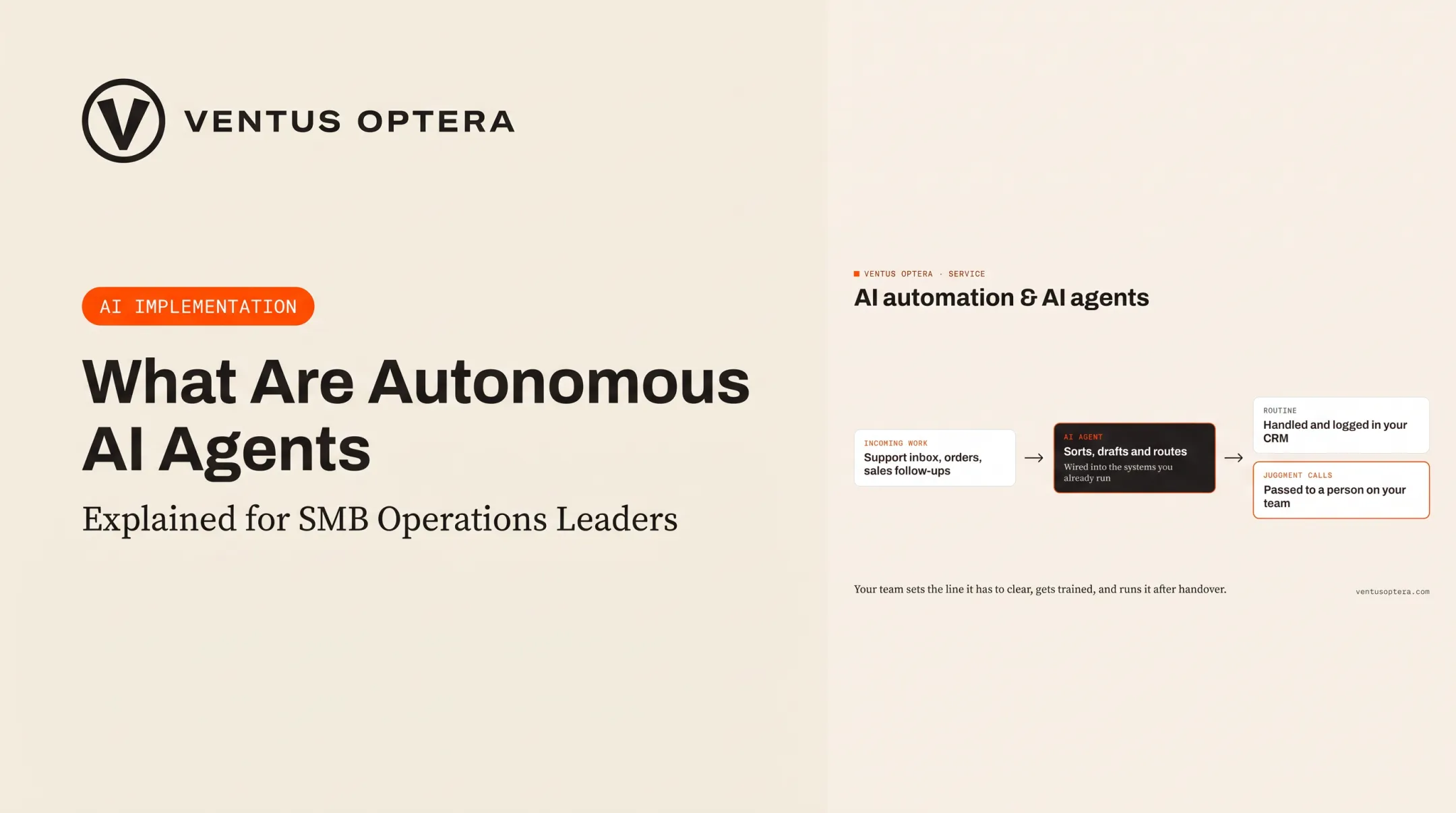
Lower-cost agents handle narrow, repetitive, low-risk tasks well: answering FAQs, routing tickets, pulling up order status. Higher-cost implementations earn their price when the agent has to reason across business data, complete multi-step actions, or meet stricter accuracy requirements. Ventus Optera builds to that split: agents connect into existing systems, while judgment calls still go to a person.
Reliability, Oversight, and Maintenance
Budget options often come with shared infrastructure, basic support, and limited customization. That's fine for low-stakes tasks. It's riskier when an agent makes a mistake in a customer-facing or revenue-critical workflow.
Gartner's research underscores why oversight matters: more than 40% of agentic AI projects are forecast to be canceled by the end of 2027, citing escalating costs, unclear value, and inadequate risk controls. Higher-cost implementations typically build in testing, permission controls, human approval steps, and dedicated support to avoid exactly this outcome.
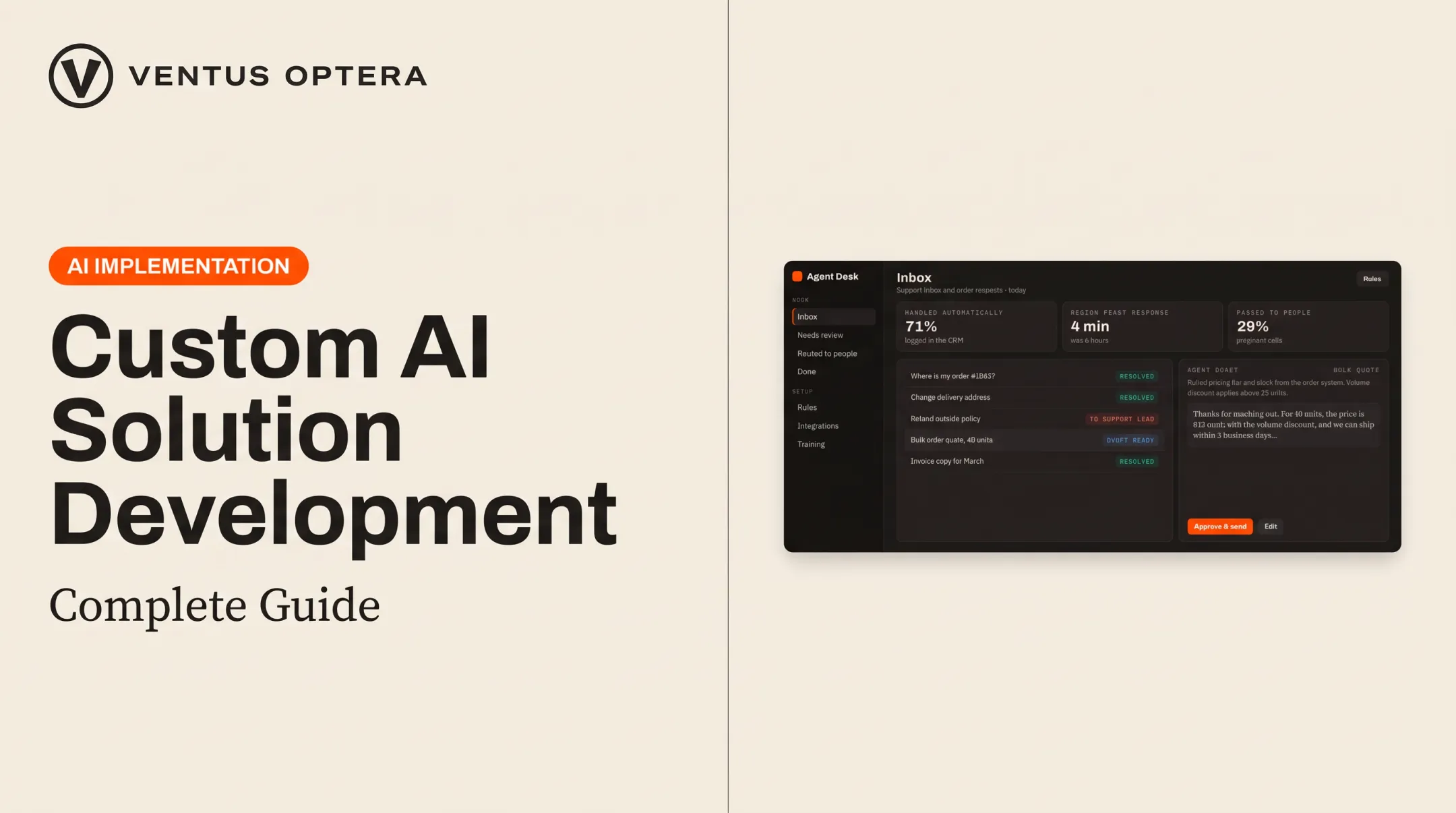
One control that reduces that risk: when an agent can't answer confidently, hand the conversation to a person with full history attached and log the gap for later improvement.
Long-Term Value and Ownership
A low-cost subscription makes sense for validating a use case quickly. It becomes expensive when recurring usage fees, manual correction time, and limited integration add up month after month.
Custom software earns its higher upfront cost through workflow fit, reduced fragmentation across tools, and, critically, ownership. If you can't export your data, configurations, or evaluation history, you don't really own the system. You're renting it.
How to Estimate the Right AI Agent Budget
Start with the workflow, not the technology. Document the current process: who touches it, which systems it runs through, where errors happen, and what a measurable win actually looks like.
Estimate one-time costs:
- Discovery and process mapping to define scope, owners, and failure points
- Data preparation and knowledge base setup
- Design, development, integration, and testing
- Staff training and launch
After the build, budget for what keeps the agent running.
Estimate recurring and variable costs:
- Platform or hosting fees
- Model and API usage, based on realistic request volume
- Monitoring, maintenance, and periodic knowledge updates
- Human review and exception handling
Build three scenarios (conservative, expected, and growth) so your budget survives seasonal demand spikes and model price changes. Then compare total projected cost against your actual baseline: current labor time, missed opportunities, errors, and the cost of work still stuck in disconnected spreadsheets.

Before you implement anything, define a pilot success threshold. What error rate is acceptable? How much time should this save? What revenue does it protect? Without this, you can't tell if the agent is actually working.
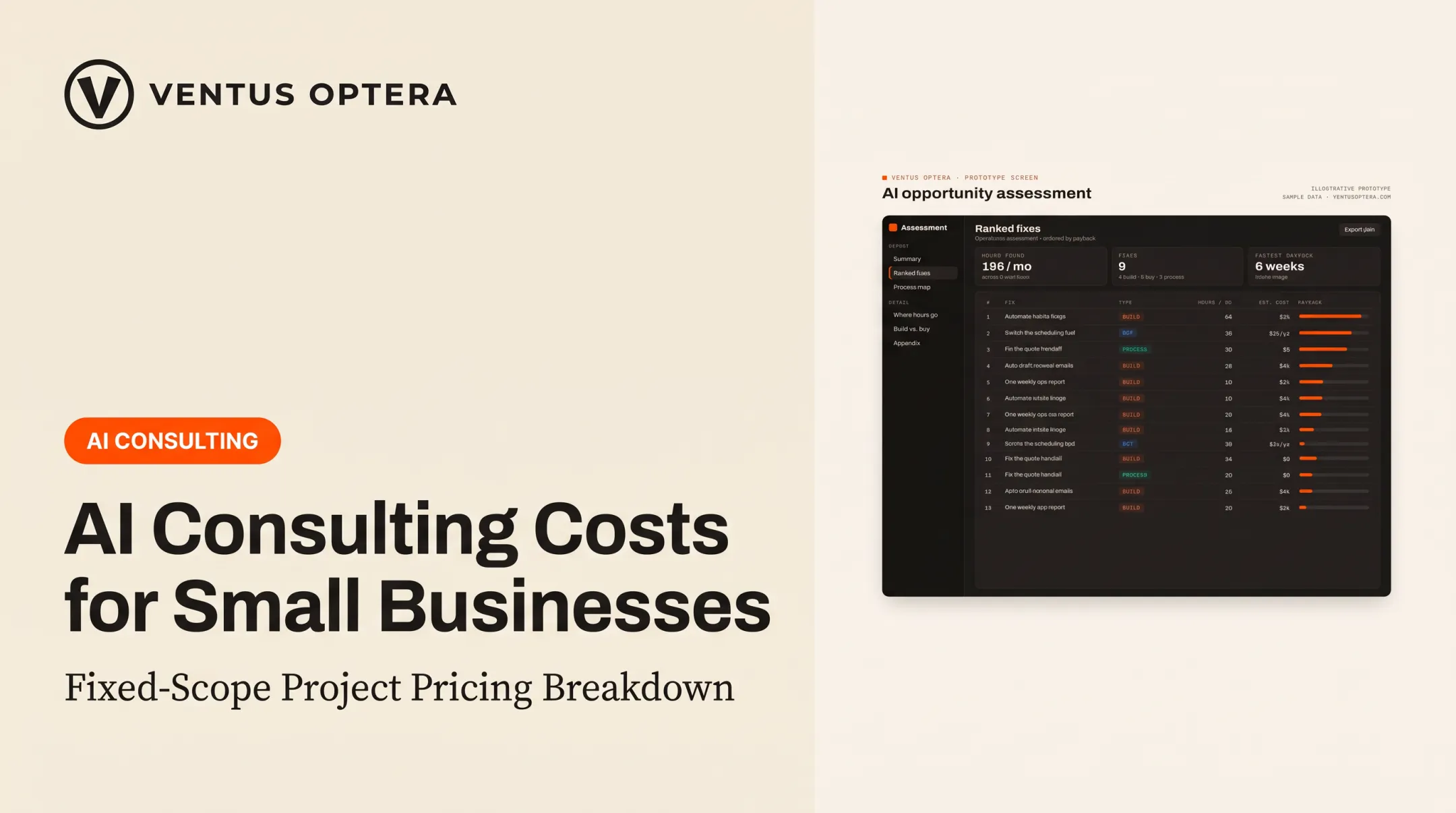
This is the gap Ventus Optera's AI Opportunity Assessment is built to close. Rather than guessing at build-versus-buy, the assessment maps current workflows, ranks fixes by ROI and risk, and states what each option costs and saves, whether that means a custom build, an existing platform, or fixing a broken process.
The plan stays yours whether Ventus Optera builds it, your team does, or you hire someone else. For CRM integration, support automation, or a targeted custom application, that independent build-versus-buy read matters more than any single vendor's price sheet. Whatever gets built, you keep the code and the data, with no vendor lock-in down the line.
Conclusion
AI agent pricing depends on agent type, integration scope, usage volume, and how much oversight the workflow demands. Those variables set what you actually pay.
Budget for a system that fits your workflow, proves its value, and leaves your business in control of its software and data. The lowest number on a pricing page rarely delivers that.
Frequently Asked Questions
How much does it cost to develop an AI agent?
A focused, single-workflow agent typically costs far less than a multi-system build across several business tools. Either way, budget for discovery, data preparation, integrations, testing, and maintenance—not just the development hours themselves.
Are AI agents profitable to build?
Profitability depends on the value the agent creates versus its cost to run, including model usage, support, and reliability. Building an agent for internal efficiency is a different calculation than selling AI-agent software or services to customers.
How much does it cost to run an AI agent?
Recurring costs include platform or hosting fees, model and API usage, integration upkeep, monitoring, and human review time. Usage volume and workflow complexity drive how high those costs run.
What pricing models are used for AI agents?
Common models include subscription, per-seat, usage-based, action or credit-based, and outcome-based pricing. Match the model to your workload: predictable volume favors subscriptions, while variable usage often fits usage-based billing better.
Are AI agents worth the cost for small businesses?
A narrow off-the-shelf agent can make sense for a single repetitive task, like answering common support questions. Validate one measurable workflow first before committing budget to a broader implementation.
What hidden costs should I look for when buying an AI agent?
Watch for setup fees, integration costs, usage overages, premium support tiers, and data migration charges. Also check cancellation terms and whether you can actually export your data and configurations if you leave.