Introduction
Salesforce implementation looks simple from the outside: buy a license, invite your team, start typing in leads. In practice, it's closer to a cross-functional project than a software install.
You're mapping workflows, migrating years of spreadsheet history, and connecting support and billing tools. You're setting permission levels, testing edge cases, and getting salespeople to use the system instead of their old tracker.
Depending on the size of the rollout, this work might fall to one experienced administrator. Larger efforts often need a project owner, a technical integration lead, business stakeholders, and an outside implementation partner.
Smaller teams can often handle a focused rollout internally. Larger or integration-heavy projects usually need more hands.
Rush any part of this and the cracks show up fast: duplicate records, workflows that don't match how people actually work, reports nobody trusts, and low adoption that turns an expensive platform into expensive shelfware.
This guide walks through the preparation, delivery, and validation steps that keep a Salesforce rollout from becoming exactly that.
Key Takeaways
- Define goals and map workflows before any Setup configuration
- Lock clean data, field maps, integrations, and role-based security before go-live
- Roll out in phases with hands-on training instead of one big launch
- Confirm Salesforce fits your complexity before rebuilding spreadsheet chaos in a CRM
Salesforce CRM Implementation Guide
A Salesforce rollout generally moves through six stages: discovery and planning, data preparation, configuration and integration, testing and training, deployment, and ongoing optimization. How long each stage takes depends on user count, data quality, integration count, decision speed, and how much time stakeholders can give the project each week.
Prerequisites and Readiness Checks
Before anyone opens Setup, nail down why you're doing this and who decides what.
Define the business outcomes first. Salesforce needs to solve a specific problem, not just replace a spreadsheet with a prettier one. Common targets include:
- Better pipeline visibility for sales leadership
- A single record for account, contract, and billing history
- Standardized lead intake and routing
- Smoother handoffs between sales and support
- Fewer manual status updates and duplicate data entry
Assign decision rights before configuration starts. Name these roles at minimum:
- Executive sponsor who approves how team time gets spent
- Operations or process owner who knows the day-to-day workflow
- Administrator who builds and maintains the org
- End-user tester who gives honest feedback
- Data owner who approves field definitions and signs off on migration accuracy
Audit what you already have. Walk through every spreadsheet, legacy CRM, billing tool, support platform, inbox, ad account, and document folder currently holding customer information. For each one, decide: migrate it, integrate it, archive it, or retire it.
Lock in non-negotiables before building anything:
- Approved scope for phase one
- Data privacy and access requirements
- Required integrations (and which ones can wait)
- A named owner for each major decision
- Available test users for acceptance testing
- A documented go-live approval process
Finally, ask whether Salesforce is proportionate to where your business is today. Salesforce's own comparison between spreadsheets and CRM software notes that spreadsheets work fine for basic needs, but become a liability once records are hard to find, follow-ups get missed, or several people need the same information at once.
If your workflows are genuinely light, a smaller tool or a targeted custom build may serve you better long-term than a full rollout.
Implementation Inputs, Tools, and Responsibilities
Skip the generic "what software do I need" list. The inputs that actually matter are the ones that tell you what to build:
- Process maps for each workflow you're migrating
- Stakeholder interviews documenting pain points
- A field inventory from every legacy system
- Data exports and integration documentation
- Permission and reporting requirements
- Acceptance criteria and a prioritized backlog
On the tooling side, a few environments and utilities do the heavy lifting:
| Tool | Use it for |
|---|---|
| Sandbox | Testing configuration and imports without touching live data |
| Data Import Wizard | Simple, smaller data loads |
| Data Loader | Bulk loads above 50,000 records or complex field mappings |
| Middleware / API docs | Connecting systems that need orchestration, not just a one-way sync |
| Issue tracker | Logging defects and change requests during testing |
AppExchange apps and custom development sit in a separate bucket — useful, but optional until your core workflow is stable.
Some of this is squarely admin territory: fields, page layouts, basic automation, and standard reports. Other parts need specialized expertise: complex data migration, security architecture, system integrations, custom code, or AI-enabled workflows.
If your team has an experienced admin and a contained scope, you can likely handle configuration internally. Connecting four systems with different data models usually costs less to get right the first time with outside help than to fix after a bad integration goes live.
How to Implement Salesforce CRM Step by Step
Conduct discovery and document current workflows. Map how leads, accounts, opportunities, contracts, support requests, billing terms, documents, and approvals move through the business. Flag bottlenecks and duplicated effort. Teams that rush this step create the most rework later.
Define the target operating model and minimum viable release. Decide which Salesforce products and features ship in phase one, and what gets deferred. Document measurable success criteria for adoption, data quality, reporting, and process performance before any configuration starts.
Clean, map, and migrate data. Remove duplicates and dead records, standardize formats, map each source field to a Salesforce object, and assign clear ownership. Test the migration on a sample first, and confirm relationships between accounts, contacts, opportunities, and activities survive the move intact.
Configure Salesforce and integrations. Build objects, fields, page layouts, roles, profiles, permission sets, validation rules, and only the automations you’ve approved. Connect systems with a clear business reason, and document ownership, sync direction, error handling, and security for each one.
Test, train, deploy, and improve. Finish functional, integration, security, migration, and role-based UAT checks before anyone outside the project team touches production. Train by role, define go-live support, and keep a prioritized backlog for after launch.

Post-Implementation Checks and Validation
A successful import message doesn't mean the data is actually right. Confirm your rollout really works with a specific set of checks:
- Record counts match between source and destination
- Field values check out across a sample of records
- Relationships between accounts, contacts, and opportunities are intact
- Permissions match actual job responsibilities
- Automations fire correctly under real conditions
- Integrations sync as expected, with visible error handling
- A few representative users complete real end-to-end journeys, not just isolated clicks
You'll know it's working when people can do their jobs without workarounds, reports match what stakeholders expect, and integrations surface failures instead of silently dropping records.
Before go-live, get a formal user acceptance sign-off, write a rollback or contingency plan, and keep an issue log with a named owner for each unresolved defect.
Build in a hypercare period after launch. Salesforce describes hypercare as the elevated, high-touch support window right after a major go-live, and notes it typically runs one to four weeks, depending on complexity and how fast issues get resolved.
Skipping validation rarely causes an immediate crash. Problems show up weeks later as reporting errors nobody can explain and a slow drift back to the old spreadsheet.
Common Implementation Problems and Fixes
Three patterns account for most rollouts that limp instead of launch.
Scope Creep and Over-Customization
Every stakeholder has a favorite field, and every spreadsheet has a rule somebody insists on keeping. Left unchecked, these requests balloon cost and complexity without adding real value.
Fix it with:
- A documented backlog, ranked by business impact
- A defined MVP scope for phase one
- A change-control process for new requests
- Periodic build-versus-buy reviews as needs evolve
Poor Data Quality and Migration Assumptions
Duplicates, inconsistent formats, missing owners, and outdated records erode trust in the CRM fast. If your "source of truth" is actually three files named Sales_Tracker_v5_FINAL.xlsx, v6_Mikes_Edits.xlsx, and v7_ACTUAL_FINAL.xlsx, you already know the stakes.
Forrester's research on CRM rollouts found that 39% of organizations struggled with data quality, and 68% couldn't get a single, reliable view of the customer (across CRM platforms generally, not Salesforce specifically).

Fix it with:
- Profiling data before migration, not after
- Assigning a named data owner
- Running trial migrations on a sample
- Approving reconciliation results before go-live
Low Adoption and Disconnected Workflows
Generic training, excessive manual entry, and workflows that don't match daily work push people back to old habits: email threads, personal spreadsheets, sticky notes.
Fix it with:
- Role-based training instead of one-size-fits-all sessions
- End-user testing before launch, not after complaints start
- Simple page layouts that don't bury what people need
- Automation of repetitive tasks, plus a few department champions
- Regular post-launch feedback reviews
Pro Tips for Implementing Salesforce Effectively
A few habits separate rollouts that hold up from ones that need redoing within a year.
Sequence your decisions before you configure anything. Resolve process ownership, field definitions, required data, reporting logic, security, and integration boundaries first. Configuration should follow decisions, not replace them.
Use a phased rollout with measurable acceptance criteria. Start with one high-value workflow or team where practical. Collect feedback, fix what's broken, and only expand once that first release is stable.
Document the system as you build it. Objects, fields, automations, integrations, permissions, data ownership, support procedures, and the reasoning behind key design decisions. Six months from now, someone will need this — and it probably won't be you.
Bring in an outside perspective when you're unsure. The right call might be more Salesforce functionality, a connection to another system, or a narrower custom build.
That outside view is part of what Michael O'Brien and Ventus Optera provide: assessing existing workflows for small and mid-size businesses, then implementing practical CRM integrations, dashboards, and AI-enabled improvements. Clients keep ownership of the software and data.
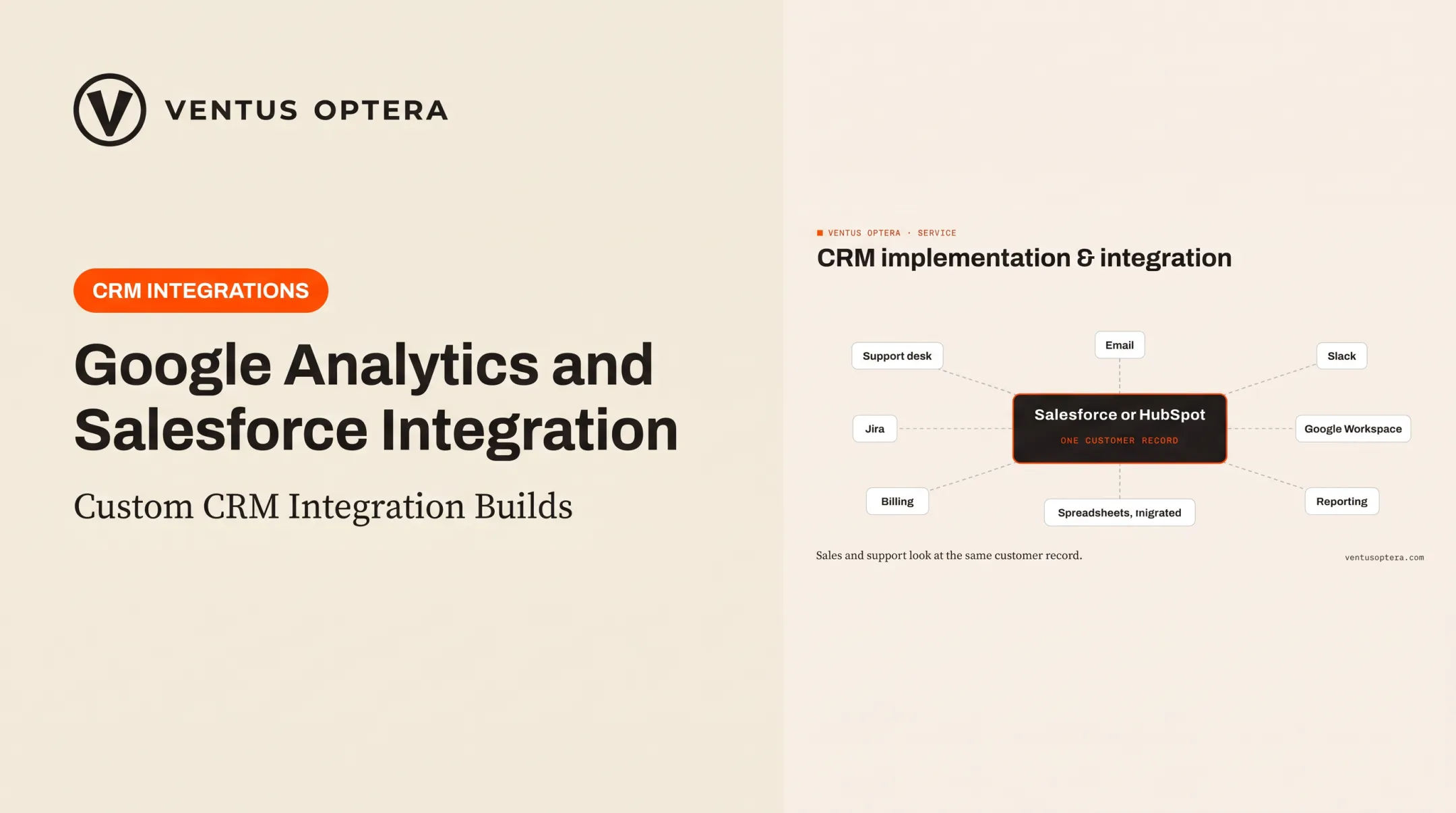
One pattern that shows up often: connecting Salesforce support cases with Jira engineering tickets, Docebo training, and documentation tools so different teams work from one front door instead of copying cases between tabs.

Conclusion
Salesforce implementation quality comes down to preparation, workflow alignment, data discipline, testing, and adoption. Flipping the switch is the easy part. Everything before and after it is where rollouts actually succeed or fail.
If you're starting this process, begin with an honest assessment of how your team actually works today, not how the org chart says it should work. Pick a realistic first phase instead of trying to migrate everything at once.
Ventus Optera helps businesses work through exactly this kind of decision. That means evaluating whether Salesforce, a lighter tool, or a custom system fits your actual workflows, then prioritizing improvements and building or integrating systems around how your business really operates. You own everything that gets built.
Frequently Asked Questions
How long does it take to implement Salesforce CRM?
A small, mostly standard rollout can take a few weeks. Complex data, integrations, and customization can stretch the project to several months. Base your estimate on data sources, integrations, and testing cycles rather than a generic benchmark.
Does Salesforce have a CRM tool?
Salesforce is itself a CRM platform, with products supporting sales, service, marketing, automation, reporting, and integrations. Which products you need depends on your business requirements.
What are the key steps in a Salesforce CRM implementation?
Discovery, goal-setting, scope definition, data preparation, configuration, integrations, testing, training, deployment, and ongoing optimization. Skipping any of these usually creates problems downstream.
How should a business prepare its data for Salesforce migration?
Inventory your data sources, remove duplicates, standardize formats, map fields to Salesforce objects, and assign clear ownership. Run a test migration, reconcile the results, and get formal approval before production.
Do I need a Salesforce implementation partner?
Not always. Simple configurations are often manageable internally with an experienced admin. Complex workflows, integrations, security needs, or limited capacity usually make a partner worthwhile; vet credentials, scope, and who owns the end result.
Is Salesforce suitable for a small business?
It depends on process complexity, growth plans, integration needs, and budget for ongoing administration. Compare Salesforce against simpler CRM tools or a targeted custom option before committing to a full rollout.