An hourly number tells you almost nothing on its own. Project scope, consultant seniority, which Salesforce products you're touching, the state of your data, how many systems need to connect, your timeline, and the engagement model you choose can all move your final budget by tens of thousands of dollars.
This guide covers current US rate benchmarks, the three common pricing models, what a real cost breakdown should include, how to build a defensible budget estimate, and how to compare proposals without defaulting to whoever quoted the lowest number.
Key Takeaways
- US billable rates typically span $50 to $200+ per hour, depending on seniority and specialization.
- Architects, integration specialists, and multi-cloud experts command the top of that range.
- Fixed-fee, hourly, and retainer models each fit different levels of scope certainty.
- The cheapest hourly rate rarely produces the lowest total project cost.
- A good budget balances expertise, risk, hours, and long-term maintainability.
How Much Does a Salesforce Consultant Cost? (Pricing Overview)
There's no single fixed price for Salesforce consulting. A realistic estimate requires separating three things: the consultant's hourly rate, the number of hours the work actually takes, and the non-consulting costs layered on top, such as licenses and add-ons.
Buyers who skip this separation tend to make the same mistakes:
- Underbudgeting discovery and testing, treating them as afterthoughts instead of real line items
- Hiring a mismatched skill set, such as an administrator handling architecture-level decisions
- Overlooking non-consulting costs, such as licenses, add-ons, data cleanup, training, or post-launch support, until the invoice arrives
Typical US Hourly Rate Categories
According to a 2025 US rate guide from PixelConsulting, seniority-based billable rates break down roughly like this:
| Seniority Level | Estimated Hourly Rate (USD) |
|---|---|
| Junior consultant | $50–$100 |
| Mid-level consultant | $100–$150 |
| Senior consultant | $150–$200 |

These are useful for sanity-checking a proposal, not for predicting what a specific role should cost.
Role-specific contract-market data tells a slightly different story. Technical architects, for instance, often command $128–$203 per hour in the US contract market, well above the $73–$132 range typical for administrators.
Here's the catch: contract rates and consulting-firm billable rates aren't the same thing. One reflects what a contractor might earn; the other reflects what an agency invoices a client. Always ask a firm for its actual rate card instead of assuming a published contractor range applies.
Independent consultants vs. boutique firms vs. large partners:
- Independent consultants usually cost less per hour but offer limited bandwidth and no backup if they're unavailable
- Boutique firms add project management, QA, and a small bench of specialists
- Large consulting partners bring deeper specialist coverage and delivery capacity, usually at a premium
Pricing Models
Three models dominate Salesforce consulting, and each suits a different situation.
Hourly / time-and-materials billing works best when scope is still evolving or discovery hasn't fully defined the work. Ask for weekly or biweekly hour reporting, and insist on a written change-approval process before scope shifts affect the bill.
Fixed-fee pricing fits clearly defined deliverables. Before signing, review:
- Assumptions and exclusions
- Milestones and acceptance criteria
- Change-request rules and pricing
Monthly retainers suit recurring administration, troubleshooting, and release readiness. There's a meaningful difference between a retainer for reserved hours and a fully managed support service.
One Massachusetts-based Salesforce support provider, for example, offers prepaid hours at roughly $183–$198 per hour versus $205 per hour pay-as-you-go, with unused hours expiring after a set window. Read the fine print on expiration and rollover before committing.
Key Factors That Affect Salesforce Consultant Costs
Complexity and responsibility usually matter more than company size or user count. A 15-person sales team with three integrations and regulated data can cost more to implement than a 100-person team on a clean, single-cloud setup.
Consultant Role, Experience, and Specialization
Hourly rates track the role and the responsibility it carries:
- Administrators — standard configuration, workflow automation, reporting
- Functional consultants — business process design, requirements gathering
- Developers — Apex, Lightning components, custom code
- Solution and technical architects — system design, complex integrations, scalability
- Specialized cloud consultants — Marketing Cloud, Revenue Cloud, Data Cloud expertise
Certifications and project history matter, but Mason Frank's 2025 US contract-rate data shows technical architects commanding $128–$203 per hour versus $73–$132 for administrators. That gap reflects responsibility, not just a credential. Verify certifications and ask for relevant project references rather than assuming a badge guarantees quality.
Project Scope and Technical Complexity
Standard configuration costs far less than custom development. Apex code, custom Lightning components, complex approval processes, and advanced reporting all add hours.
Integrations and data migration are common cost drivers. They usually require:
- Requirements mapping across systems
- API design and middleware decisions
- Data cleansing, testing, and reconciliation
- Ongoing error handling after go-live
Salesforce Products, Users, and Compliance Requirements
Sales Cloud, Service Cloud, Marketing Cloud, Revenue Cloud, Data Cloud, and Experience Cloud each require different expertise. Multi-cloud projects multiply both the skill requirements and the integration testing needed.
Regulated industries add discovery and documentation overhead. More departments, permission layers, and audit requirements mean more configuration and testing time, regardless of user count.
Timeline, Delivery Model, and Scope Stability
Accelerated deadlines increase project-management costs. So do distributed stakeholders, limited internal availability, and frequent requirement changes.
Onshore, nearshore, and offshore delivery each have tradeoffs. Geography alone doesn't predict quality. Evaluate communication practices, time-zone overlap, data security, code ownership, and relevant project experience instead of assuming a location guarantees a result.
Salesforce Consulting Cost Breakdown: What the Quote Should Include
A real budget covers more than implementation hours. Every proposal should separate one-time costs, recurring costs, and conditional costs so you know exactly what you're agreeing to.
Discovery and solution design should confirm the quote covers:
- Stakeholder interviews and workflow mapping
- Technical assessment and architecture decisions
- Backlog creation and a written solution plan
Configuration, development, migration, and integration should be itemized by effort:
- Standard setup and configuration hours
- Custom development hours (Apex, Flows, LWC, or equivalent)
- Data preparation and cleansing
- System connections and middleware work
- Testing, deployment, and rollback planning

Adoption and ongoing costs often get missed. Confirm whether these are included or billed separately:
- Training and documentation
- Project management and hypercare
- Post-launch support and future enhancements
- Salesforce licenses, add-ons, and third-party tools
Salesforce's own pricing changes periodically, so verify current license costs directly rather than relying on a quote from last year.
Low-Cost vs High-Cost Salesforce Consulting — What's the Difference?
Lower-cost consultants can be the right call for clearly defined configuration, reporting, or limited-scope support. Higher-cost specialists earn their rate on architecture decisions, complex integrations, regulated data, or multi-cloud programs.
Here's the part buyers often miss: a higher hourly rate can produce a lower total project cost. Experience reduces rework, defects, and unnecessary customization.
A Salesforce-commissioned Forrester study modeled 28% less rework and refactoring with experienced professional services, translating to hundreds of thousands in avoided cost for a large modeled organization. That's not proof that cheap consultants always cause problems — but it does show why rework risk deserves real weight in a comparison.
The cheapest bid can create long-term costs when:
- Documentation is thin or missing
- Testing coverage is unclear
- Data governance wasn't addressed
- Knowledge transfer and ownership expectations were never defined
Always require proposals to show estimated hours and deliverables, not just a bottom-line number.
How to Estimate the Right Salesforce Budget
Start with the business outcome, not a feature list. Define the process you're trying to improve, who's affected, which systems are involved, what success looks like, your deadline, and what internal resources you can dedicate.
Build a concise project brief covering:
- Current Salesforce products and user count
- Key workflows and data sources
- Integrations and customizations needed
- Security or compliance requirements
- Desired deliverables and post-launch ownership
Ask each consultant for a proposal that includes:
- Role-by-role rates and estimated hours
- Team structure, milestones, and assumptions
- Exclusions, dependencies, and change-request handling
- Testing, training, documentation, and support terms
Then compare total estimated project cost and expected business value, not hourly rates alone. Factor in potential savings, revenue impact, adoption speed, time reduction, and avoided rework when weighing proposals against each other.

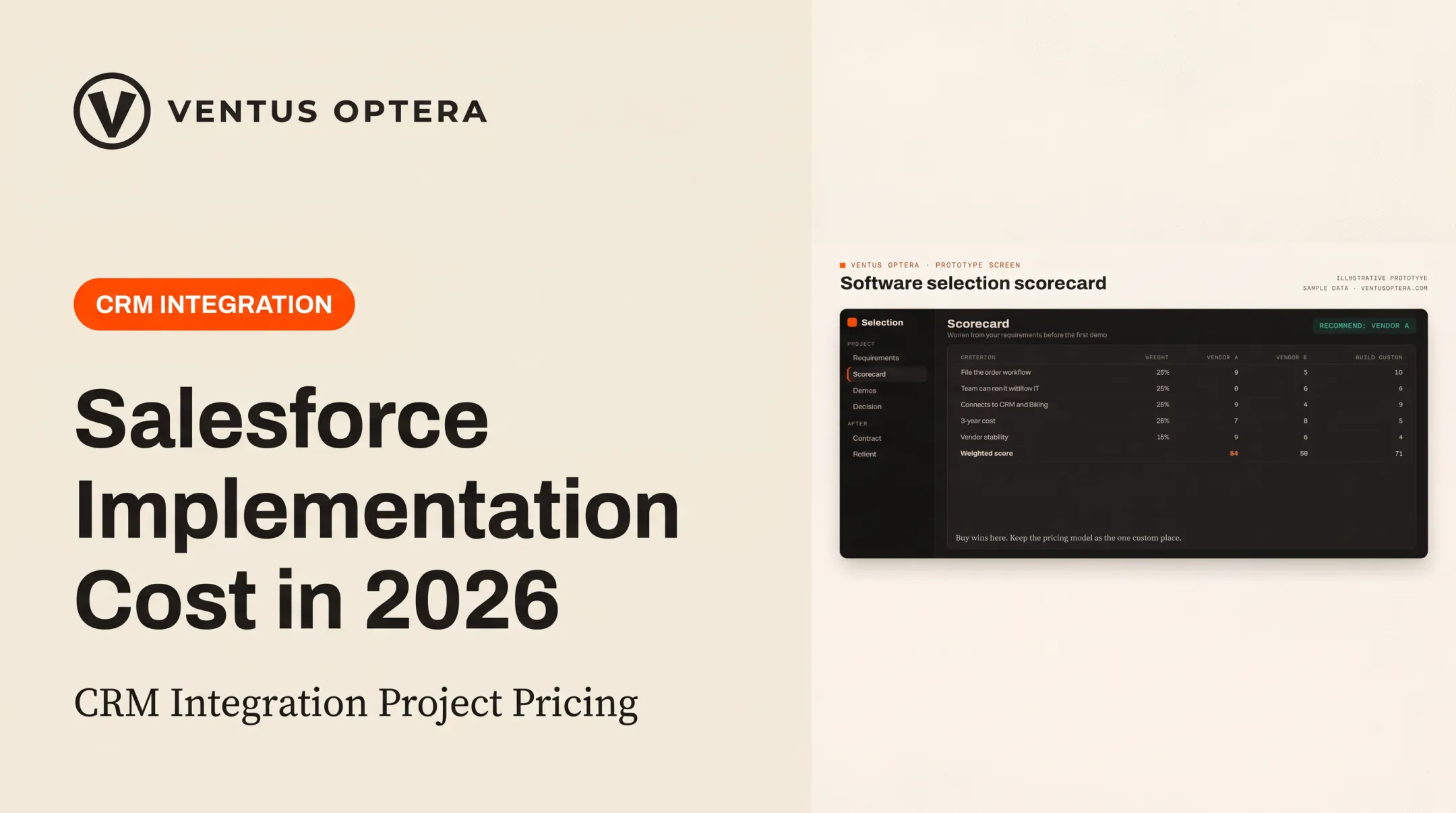
Before you commit, confirm Salesforce is the right fit. A neutral build-versus-buy assessment can help you choose between Salesforce, a lighter platform, or a custom system built around your actual workflow.
Ventus Optera's workflow assessments map where hours go in quoting, intake, scheduling, and support, then recommend whether the fix is a build, a buy, or a process change. The firm is not a Salesforce-certified implementation service, but the assessment is a useful check before a six-figure platform decision.
Common Costs and Mistakes Buyers Miss
Don't focus only on the initial quote. Watch for these recurring blind spots:
- Hidden recurring costs — Salesforce subscriptions, third-party apps, middleware, and ongoing support that weren't in the original estimate
- Over-customization — Every custom build adds maintenance and upgrade risk; check whether a standard Salesforce feature or a simpler process change solves the problem first
- Unclear ownership — Confirm software and data ownership, documentation, admin access, and security responsibilities before work begins
- Rushed commitment to full scope — Phase uncertain work. Start with discovery or an assessment, validate the highest-value workflow, then approve later stages using evidence from phase one
Conclusion
Salesforce consultant costs in the US vary by role, expertise, scope, products, integrations, data quality, delivery model, and timeline. There's no shortcut around that complexity.
A detailed proposal should explain the work behind the rate: what's included, what could change the budget, and how the solution gets supported after launch. Before you commit:
- Define the business outcome you need
- Compare detailed proposals side by side
- Choose the simplest solution you can still maintain two years from now
Frequently Asked Questions
What are the typical hourly rates for Salesforce consultants?
US rates generally run $50–$200+ per hour, with junior consultants at the low end and senior architects at the high end. Rates vary by experience, specialization, project complexity, and whether you're hiring independently or through a firm.
How much does it cost to hire a Salesforce consultant for a project?
Total project cost depends on scope, estimated hours, team composition, integrations, migration needs, and customization, not the hourly rate alone. A simple setup might run a few thousand dollars, while a multi-cloud build can reach six figures.
What factors affect Salesforce consultant rates?
Expertise, certifications, location and delivery model, the Salesforce products involved, technical complexity, timeline urgency, compliance needs, and ongoing support responsibilities all factor into pricing.
Is it better to pay a Salesforce consultant hourly or use a fixed fee?
Hourly pricing suits uncertain or evolving work where scope isn't fully defined yet. Fixed fees work better for clearly scoped deliverables. Just make sure scope and change-control terms are spelled out in writing.
How much does a Salesforce implementation typically cost?
Implementation budgets vary widely based on user count, clouds involved, data complexity, integrations, customization, training, and rollout scope. Request a scope-specific estimate rather than relying on a generic industry range.
How can I avoid overpaying for Salesforce consulting?
Define requirements clearly, match each task to the right skill level, and compare total estimated hours across proposals — not just hourly rates. Review inclusions, exclusions, and documentation plans before signing anything.