Introduction
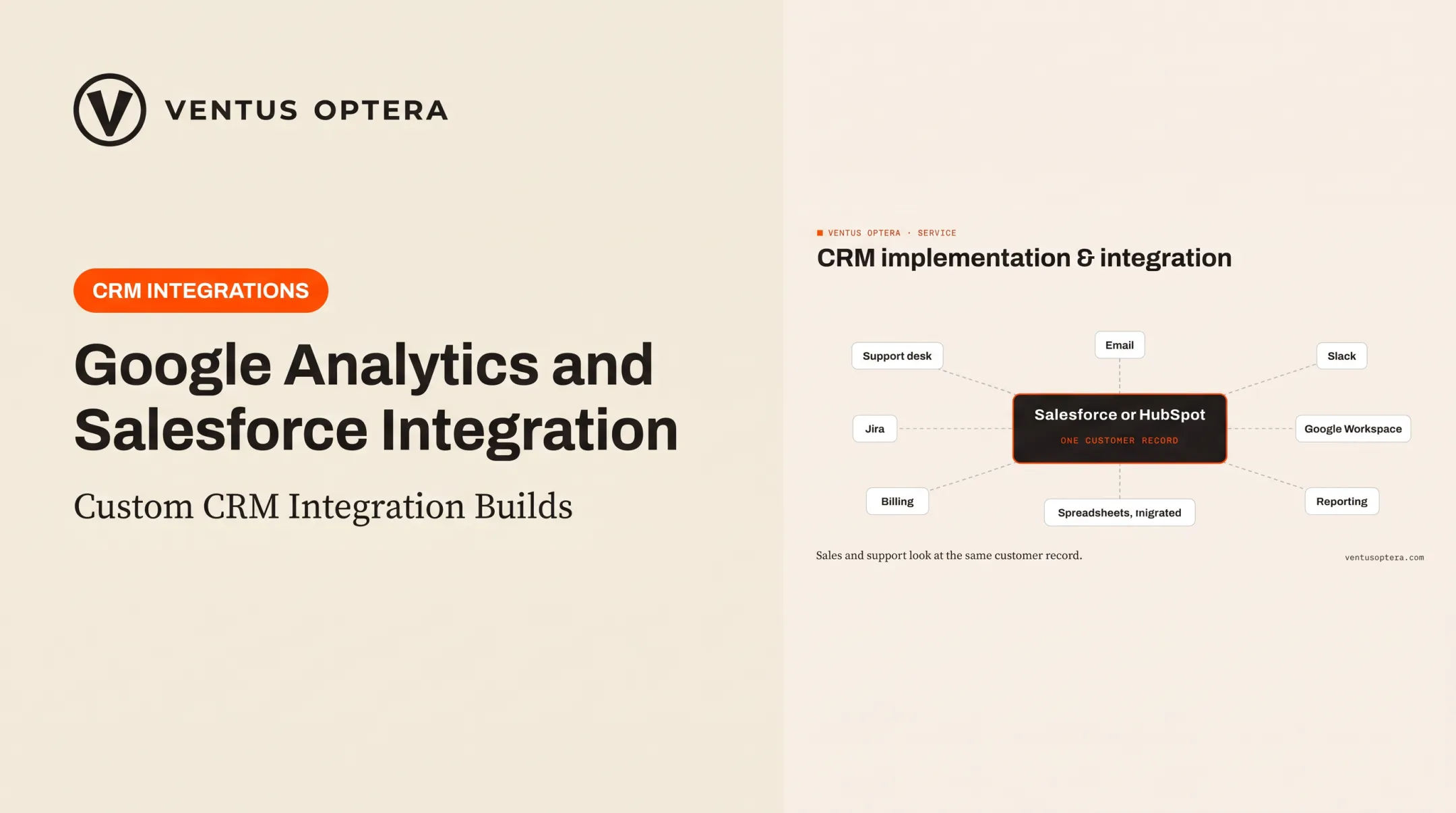
Salesforce works best when it stops acting like an island. Left alone, a CRM becomes one more place to check instead of the single source of truth it was meant to be.
Many teams struggle with the same symptoms: duplicate data entry, stale account details, slow handoffs between sales and support, and reports that require combining numbers from three different systems.
A support rep logs a ticket in Zendesk, marketing tracks the same contact in Mailchimp, and finance keeps a separate spreadsheet. Nobody's looking at the same picture.
This guide compares the best Salesforce integrations by the workflow they fix, not by marketplace popularity. We'll cover native connectors, automation platforms, direct APIs, middleware, and when a custom-built solution beats all of them.
Key Takeaways
- Salesforce integrations sync data across tools so teams work from one consistent customer record.
- Match each integration to the workflow it supports: communication, productivity, marketing, contracts, support, or finance.
- Evaluate sync direction, data ownership, security, API limits, and maintenance before you buy or build.
- Standard connectors handle most needs, but unusual processes often need custom APIs or owned software.
Overview of Salesforce Integrations in the US Business Market
A Salesforce integration is any connection between Salesforce and another application, database, service, or custom system that exchanges data, embeds actions, or triggers automated workflows. These connections fall into four categories:
- Data integration – keeps records synchronized across systems
- Process integration – automates handoffs between teams or tools
- User interface integration – lets staff work across platforms without switching tabs
- External service integration – adds capabilities like payments, e-signatures, or messaging
Common Connection Approaches
Businesses typically connect Salesforce through one of several methods:
- Native Salesforce connectors and AppExchange apps
- Integration platforms (iPaaS) or middleware (like MuleSoft Composer)
- REST or SOAP APIs for synchronous data operations
- Bulk API for large-volume transfers
- Platform Events and Change Data Capture for real-time updates
- Salesforce Connect for live external data views without copying it in
A 2024 Salesforce connectivity study found 81% of IT leaders say data silos hinder digital transformation, and the average organization had connected only 28% of its applications. That study covered enterprises with 1,000+ employees, so treat it as directional evidence of a widespread problem, not an SMB-specific benchmark.
Closing those gaps starts with architecture choices made before any vendor demo. Nail down these decisions first:
- Identify the system of record for each data type
- Decide sync direction (one-way or bidirectional)
- Map required fields between systems
- Set duplicate rules to prevent conflicting records
- Determine update timing (real-time versus scheduled batches)

The recommendations below are grouped by operational problem, not vendor size.
Top Salesforce Integrations for Business Workflows
Each integration here was selected for practical business value, reliability, data visibility, ease of adoption, and fit for small and mid-size teams. Verify current functionality with each vendor before implementation, since features and pricing change.
1. Slack — Best for Internal Communication
Slack can surface Salesforce records, opportunity-stage changes, task assignments, and approval requests directly in channels or DMs. Teams stop pinging each other asking "did we win that deal?"
Strong use cases include:
- Alerting account teams when an opportunity stage changes
- Routing customer or support issues to the right channel
- Triggering collaboration around high-priority records
Before rolling this out, think through permission controls and notification volume. A channel flooded with every record update becomes noise nobody reads. You'll also need to decide whether Slack only displays Salesforce data or starts acting like a second system of record. The second path creates confusion fast.
2. Microsoft 365 and Google Workspace — Best for Email, Calendars, and Documents
Connecting Gmail or Outlook, calendars, and cloud storage to Salesforce associates emails, meetings, and files with the right records automatically. Sales reps stop manually logging every call and attachment.
Automatic capture cuts logging busywork and fills in relationship context, but policies still need to respect privacy and retention rules—especially in regulated industries.
Which platform fits better depends on:
- Your existing productivity stack and identity provider
- Document permission structures already in place
- Administrative control requirements
- Which Salesforce objects need to stay updated
Neither platform is universally "better." The right pick is whichever one your team already lives in.
3. HubSpot or Marketing Automation Platforms — Best for Lead Management
Marketing automation integrations pass leads, campaign activity, form submissions, and scoring data between marketing tools and Salesforce. This is where most data-quality headaches actually start.

Before flipping the sync on, define:
- Which system owns each field
- Lead-to-contact conversion rules
- Campaign membership and opt-out status handling
- Duplicate prevention logic
HubSpot's documentation outlines configurable field-sync rules such as "prefer Salesforce unless blank" or full two-way sync. The setting you choose decides which system wins when data conflicts.
A native HubSpot-Salesforce connection also solves different problems than Salesforce Account Engagement or Marketo. Don't assume they map lifecycles the same way; check each vendor's current sync behavior.
4. DocuSign or Contract Management Platforms — Best for Agreements and Approvals
E-signature integrations pull opportunity or account data straight into agreements, send them for signature, and write status changes back to Salesforce. No more re-typing contract terms that already live in the CRM.
The real operational win is connecting contract milestones to downstream workflows:
- Opportunity stage updates when a contract is signed
- Onboarding kicks off automatically
- Billing and renewal dates sync without manual entry
Evaluate template governance, signer permissions, audit trails, and data residency before rollout. Also ask: what happens if contract terms change after sending? Not every integration handles that gracefully, and it's the kind of gap teams only discover mid-deal.
5. Zendesk, Service Cloud Extensions, or Support Platforms — Best for Customer Service
Support integrations sync customer, account, case, and ticket data so both sales and service teams see relevant context without switching systems.
Common use cases:
- Creating or updating cases from support events
- Displaying Salesforce account details inside a help desk
- Routing issues based on account attributes or tier
- Feeding service outcomes into renewal and expansion workflows
When comparing native versus third-party options, check support-channel coverage, attachment handling, and real-time requirements. Some vendors, including Zendesk, state that general data sync runs one direction only, so verify this before assuming full parity.
If revenue status matters to support workflows, a billing integration like Stripe can add that layer. Treat it as a separate use case from ticket-to-case syncing.
How We Chose the Best Salesforce Integrations
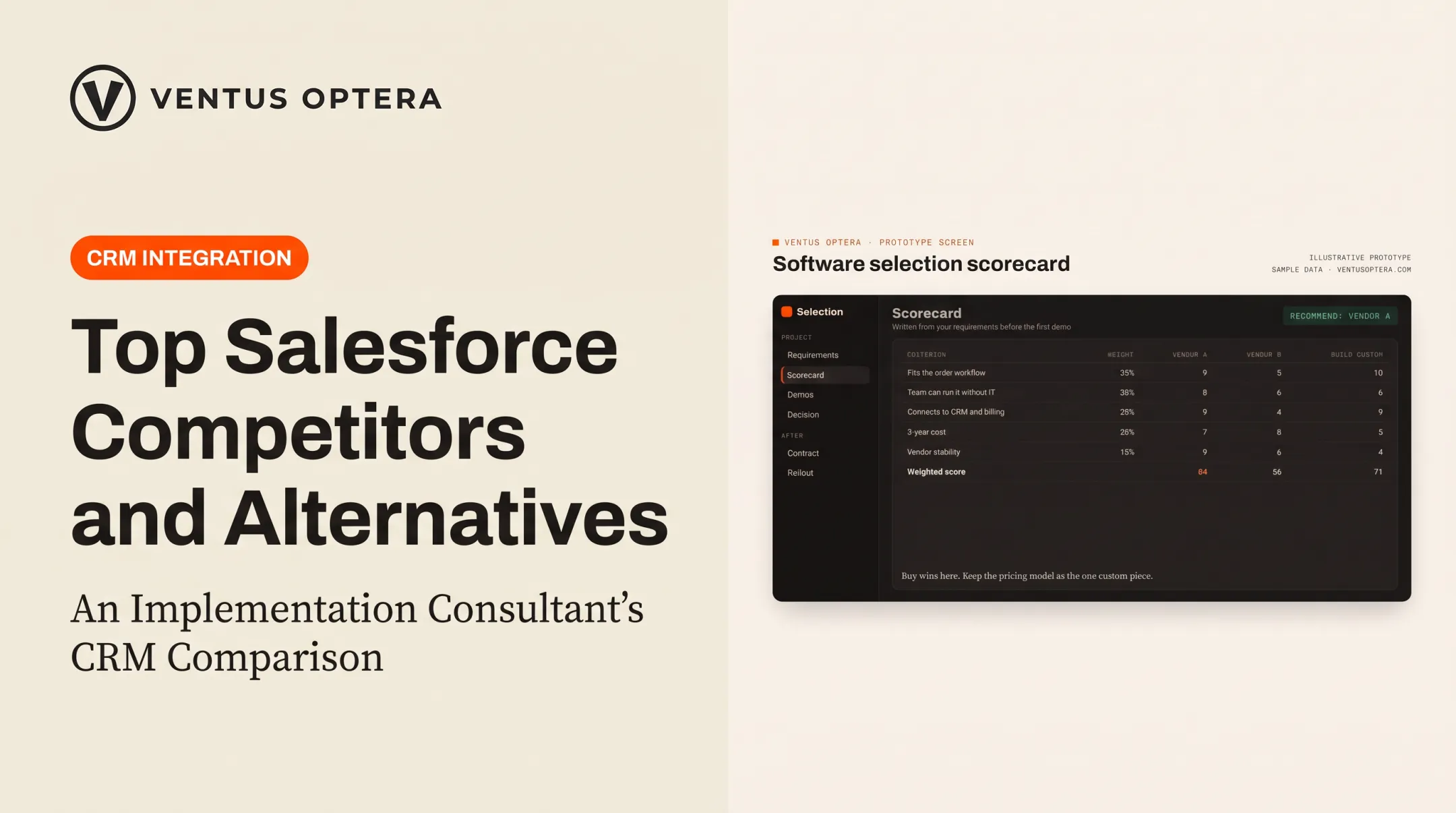
"Best" means best fit for a defined workflow, not the tool with the biggest marketplace footprint. Before picking anything, document your current process, where it breaks down, the outcome you want, and who's affected.
Technical Fit
Check these technical factors before you commit:
- Native connector availability
- API and event support
- Sync direction and data volume
Salesforce distinguishes synchronous REST/SOAP calls from asynchronous Bulk API operations typically used for large transfers. Picking the wrong interface for your data volume creates bottlenecks later. Also confirm your Salesforce edition supports the API calls you'll need; allocations vary by license tier.
Operational Fit
Decide system-of-record ownership, duplicate prevention, and who monitors the integration after launch. Error handling and audit logs matter more once something breaks at 2 a.m. and nobody's assigned to fix it.
Financial Fit
Separate these costs when budgeting:
- Application licenses
- Salesforce API or feature costs
- Implementation and data migration
- Middleware usage fees
- Ongoing support and maintenance
Always verify current vendor pricing rather than relying on outdated published rates.
When a Custom Integration Makes Sense
Sometimes generic connectors create more manual work than they save. That usually happens when a workflow spans several disconnected systems or depends on proprietary business rules no off-the-shelf tool anticipates.
We've seen this firsthand: Ventus Optera built a support center for Boston Dynamics connecting Salesforce, Jira, and Paligo behind a single front door, with export controls under ITAR and US/EU compliance traveling with the content itself. That's not a workflow a standard connector handles out of the box.

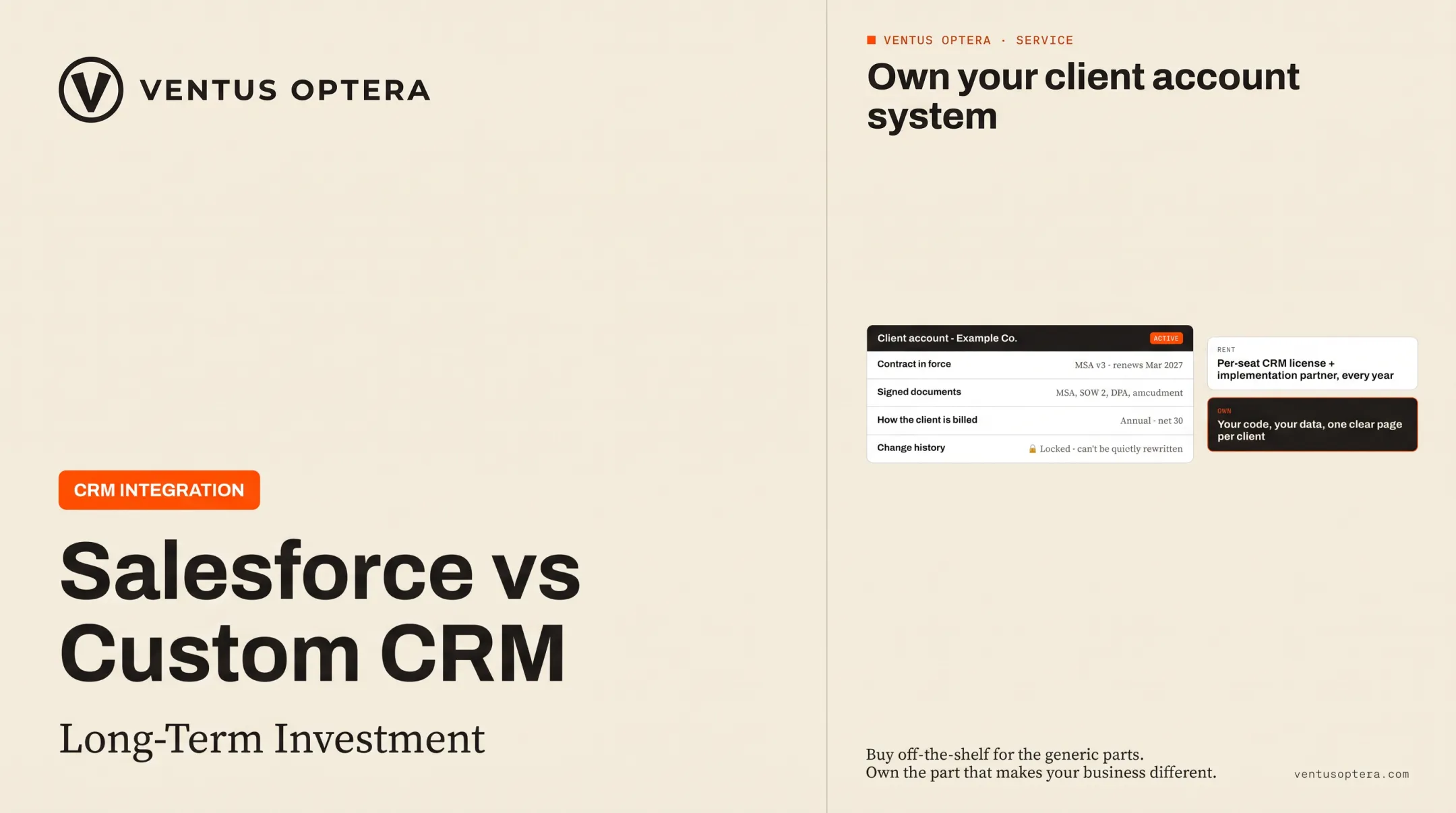
When a license doesn't fit how a business actually works, an owned custom system becomes the more durable answer.
Conclusion
The right Salesforce integration removes a specific bottleneck, makes customer data more reliable, and simplifies daily work for the people who actually use the system.
Start with your highest-value workflow first:
- Define what success looks like
- Document who owns the integration
- Plan to revisit it as processes and Salesforce configuration evolve
Integrations aren't "set and forget." They need an owner.
If standard connectors, spreadsheets, and generic tools aren't cutting it for how your business actually operates, Ventus Optera builds tailored integrations and software for exactly that gap. Founders and operations leaders can start with a workflow assessment. Clients keep full ownership of the software and data built along the way.
Frequently Asked Questions
What are Salesforce (SFDC) integrations?
They're connections between Salesforce and other applications, databases, services, or custom systems that exchange data or trigger workflows automatically, replacing manual data entry between tools.
What types of integrations are available in Salesforce (SFDC)?
Four main types exist: data, process, user interface, and external service integrations. These run through native connectors, APIs, middleware, event-driven connections, batch transfers, or Salesforce Connect.
What are the key considerations when integrating Salesforce with other systems?
Define your system of record, sync direction, and field mapping first. Then address security, authentication, permissions, API limits, error handling, monitoring, and who maintains it long-term.
What are common examples of SFDC integrations and systems it connects to?
Common connections include Outlook or Gmail for email, Slack for communication, HubSpot for marketing, DocuSign for contracts, Zendesk for support, Stripe for payments, and various ERP or BI tools for finance and reporting.
What are the best tools for SFDC data integration?
It depends on data volume, transformation complexity, and budget. Native connectors suit simple syncs, while Salesforce APIs, iPaaS platforms, or custom integration services fit higher-complexity or higher-volume needs.
How much does it cost to integrate Salesforce (SFDC)?
Costs vary by licenses, Salesforce edition, connector or middleware fees, data migration complexity, and ongoing support needs. There's no universal price — get quotes based on your specific setup.